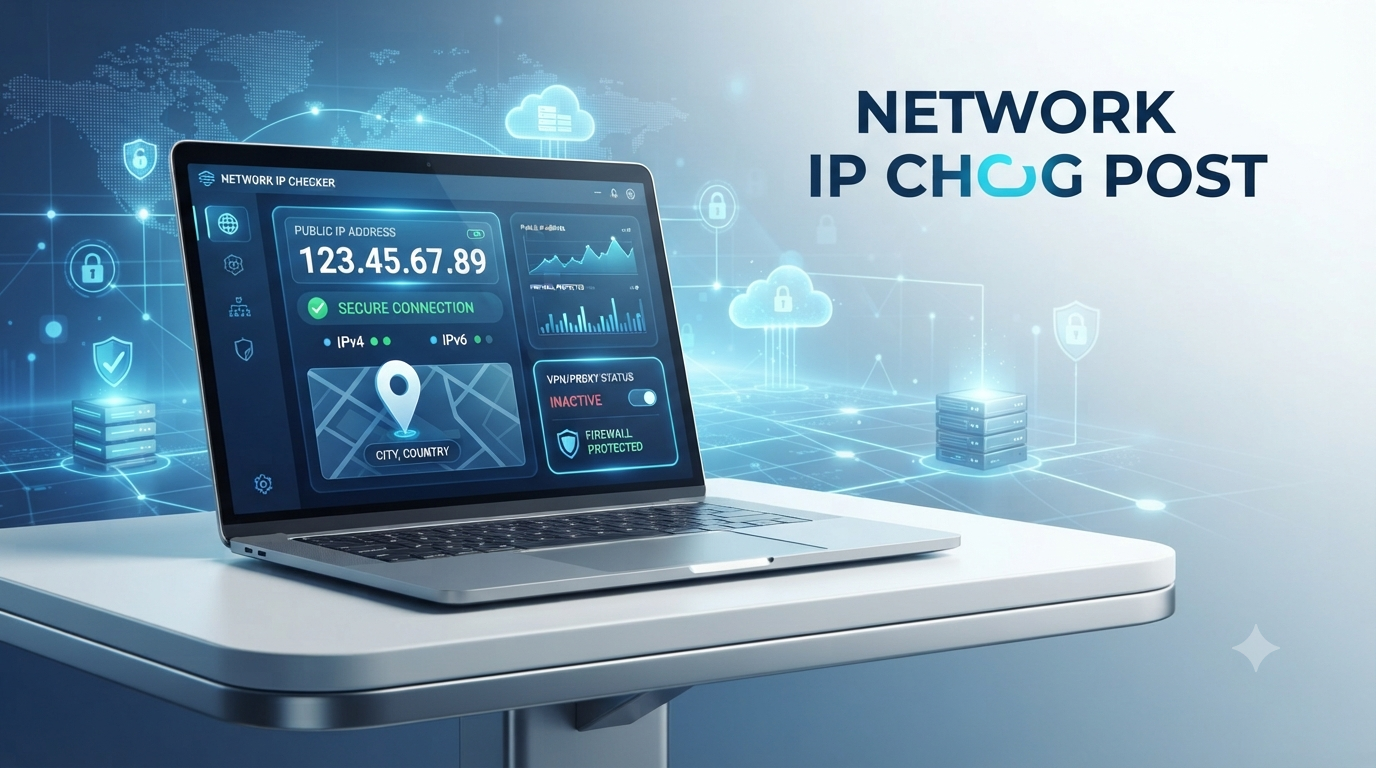
IP111 is a browser-based tool for checking the public IP address visible through different internet routes. It can be particularly useful when a VPN, proxy, split-tunneling rule, or unusual network configuration may send different traffic through different gateways.
The tool should not be treated as a security scanner or a complete network diagnostic service. Its main purpose is narrower: showing the IP address observed when your browser connects to its available test endpoints.
What Is IP111?
IP111.cn is an IP-checking website that compares the public address used for different connection paths. Its interface labels tests for domestic websites, overseas websites, and services such as Google.
These labels are most relevant to networks where traffic may be routed differently depending on its destination. For example, a proxy might handle overseas traffic while domestic traffic continues through the user’s normal internet connection.
The official site describes itself as an IP-address query service. It does not claim to provide VPN software, proxy services, malware scanning, or a detailed security assessment.
What IP111 Actually Shows
The principal result is the public IP address seen by each available test endpoint. Depending on the response and the location database used by the page, a result may also include a broad geographic label.
The important information is the comparison between results:
- Matching addresses generally indicate that the tested routes are using the same visible public IP.
- Different addresses suggest that traffic is leaving through different networks or gateways.
- A missing result means that the relevant test did not complete; it does not automatically prove a connection or privacy problem.
IP111 does not inspect private files, reveal a device’s local network address, or establish who is personally using an internet connection. It also does not provide a complete audit of DNS, browser, or application traffic.
What Is a Public IP Address?
An Internet Protocol address is a numerical identifier used to deliver network traffic. When a browser requests a webpage, the receiving server needs a source address to which it can return the requested data.
The public address visible to a website may belong to:
- A residential internet connection
- A mobile carrier
- A company or university network
- A VPN server
- A proxy server
- An internet gateway shared by multiple users
This visible address is not necessarily assigned directly to the individual phone or computer. Routers, carrier-grade network address translation, corporate gateways, and privacy services can place many devices behind one public address.
A technical overview of an IP number explains how these addresses identify network interfaces and support the routing of data.
IPv4 and IPv6
Internet traffic can use IPv4, IPv6, or both.
IPv4
An IPv4 address contains four decimal numbers separated by periods, such as:
203.0.113.25
The example above belongs to a range reserved for documentation and should not be interpreted as a working user address.
Because the IPv4 address space is limited, many home, mobile, and business networks share public IPv4 addresses through network address translation.
IPv6
An IPv6 address is longer and written in hexadecimal notation. IPv6 provides a much larger address space and can operate alongside IPv4 on a dual-stack connection.
A VPN or proxy may handle one protocol differently from the other. Consequently, an IPv4 result alone does not confirm how every IPv6 connection is being routed.
Public IP and Private IP Are Different
A public IP is visible to internet services. A private IP is used inside a local network.
Common private IPv4 ranges include:
- 10.0.0.0/8
- 172.16.0.0/12
- 192.168.0.0/16
A router may assign an address such as 192.168.1.20 to a laptop while using a different public IP for internet traffic from the entire household.
IP111 is designed to report the externally visible address. To find a private address, users normally need to check their device’s network settings or router interface.
How to Use IP111
No software installation is needed to perform a basic check.
1. Establish the Result You Expect
Before opening the tool, note whether a VPN or proxy is active and which traffic it is intended to handle. This gives you a meaningful result to compare against.
2. Open the Official IP111 Website
Load ip111.cn in the browser whose traffic you want to examine. The test applies to that browser session and its available connection routes.
Be careful with similarly named domains. A matching name alone does not establish that another website is operated by the same service.
3. Allow the Tests to Load
The page attempts to obtain results from separate endpoints. Some results may load inside embedded page elements and therefore can be affected by browser restrictions, network filtering, or an unavailable endpoint.
The page is displaying addresses observed by remote services; it is not scanning the computer.
4. Compare the Displayed Addresses
Focus on whether the results are identical or different.
If all tests show the expected VPN or proxy address, the tested browser connections appear to be using that route. If one test shows the regular ISP address, the network may be using destination-based routing or split tunneling.
5. Repeat the Check After a Controlled Change
When troubleshooting, change only one setting at a time. For example:
- Record the results without a VPN.
- Connect to the VPN.
- Reload the page.
- Compare each result again.
This approach makes it easier to identify which setting affected the route.
How to Interpret Different Results
Different public IP addresses are not automatically evidence of a leak. They show that the tested requests did not all leave through the same visible address.
Possible explanations include:
Split Tunneling
A VPN may be configured to carry only selected applications, websites, or destinations. Other traffic continues through the regular connection.
Destination-Based Proxy Rules
Some proxy configurations select a route according to the requested domain or destination. Domestic and overseas tests may therefore produce different results by design.
Separate IPv4 and IPv6 Paths
One service may connect over IPv4 while another uses IPv6. If a privacy tool handles only one protocol, the observed addresses can differ.
Multiple Network Interfaces
A device connected to Wi-Fi, mobile data, Ethernet, or another interface may not send every request through the same path.
Shared ISP Infrastructure
Mobile carriers and some fixed-line providers place subscribers behind shared internet gateways. The reported address may identify that gateway rather than a public address assigned exclusively to one customer.
A Failed Test Endpoint
An empty panel or loading error can result from content blocking, an unavailable embedded service, a browser policy, or network filtering. It should be tested again before drawing a conclusion.
Can IP111 Confirm That a VPN Is Working?
It can provide useful evidence, but it cannot confirm every aspect of VPN operation.
If the visible public IP changes to an address associated with the selected VPN server, the tested browser request appears to be passing through the VPN. That result does not prove that all device traffic is protected.
A broader VPN check may also need to consider:
- IPv4 and IPv6 traffic
- DNS requests
- Split-tunneling settings
- Applications outside the browser
- Reconnection behavior
- Traffic after the device switches networks
IP111 should therefore be treated as one routing check rather than a complete privacy test.
Does IP111 Detect a VPN or Proxy?
The site can display the public IP reached through a VPN or proxy, but that is different from identifying the technology with certainty.
An IP address alone may sometimes be associated with a hosting company or known VPN network, but those classifications can be incomplete or outdated. IP111’s official description does not promise automatic or definitive VPN and proxy detection.
The most reliable comparison is between the displayed address and the address or server location that the user expects from their own configuration.
Does an IP Address Reveal an Exact Location?
A public IP can be associated with network registration and approximate geographic information, but it is not a precise location coordinate.
IP location databases may identify:
- A country
- A region
- A city or nearby area
- A network operator
The displayed place may instead correspond to an ISP gateway, mobile carrier infrastructure, corporate network, proxy, or VPN server. It should not be interpreted as a verified home address or the live physical position of a device.
Different databases can also return different location labels for the same address.
Can an IP Address Identify a Person?
A public IP address does not ordinarily display a person’s name, private files, or exact street address. It identifies a network connection or gateway visible to an online service.
Connecting an address to a particular subscriber generally requires additional records and context. Shared networks, mobile gateways, dynamic assignments, and VPN services make assumptions based on an address alone unreliable.
However, websites necessarily receive a source IP when handling a connection. They may process it alongside account activity, cookies, browser data, and server logs. An IP address should therefore be understood as one piece of connection data rather than either a complete identity or completely harmless information.
Why a Public IP Address May Change
Many residential and mobile connections use dynamically assigned addresses. A public IP may change when:
- The ISP renews or changes an assignment
- The router reconnects
- The device changes between Wi-Fi and mobile data
- A VPN connects to another server
- A proxy configuration changes
- Traffic uses another network gateway
A changed result does not by itself indicate unauthorized access. It needs to be interpreted alongside the connection changes that occurred.
Common Mistakes When Using an IP Checker
Calling Every Public Address a “Real IP”
There may be several relevant addresses: a device’s private address, an ISP-facing address, an IPv6 address, and an address presented by a VPN or proxy. “Public IP visible to the tested service” is usually the more accurate description.
Assuming a Location Result Is Exact
IP geolocation is an estimate tied to network data. It is not GPS and should not be used as proof of someone’s physical location.
Treating Matching Results as a Complete Security Test
Matching addresses show consistency across the requests that completed. They do not verify DNS handling, encryption, browser security, or traffic generated by other applications.
Treating Every Difference as a Leak
Split tunneling and destination-based routing can produce different results intentionally. Compare the findings with the network’s expected configuration before changing any settings.
Ignoring IPv6
A privacy configuration that works for IPv4 may not necessarily handle IPv6 in the same way. Both protocols should be considered when supported by the connection.
Practical Troubleshooting Checklist
If the displayed result is unexpected:
- Confirm that the intended VPN or proxy connection is active.
- Check whether split tunneling or application exclusions are enabled.
- Reload the page after reconnecting.
- Test in the same browser that normally uses the connection.
- Compare both IPv4 and IPv6 behavior where possible.
- Temporarily review whether a content blocker is preventing a test panel from loading.
- Check the VPN or proxy provider’s official documentation for its routing settings.
- Avoid disabling security protections permanently merely to make a test load.
If IP111 and another reputable IP checker return different addresses, verify that both tests used the same browser, protocol, connection, and time. A difference can result from routing conditions rather than an error by either page.
What IP111 Cannot Tell You
IP111 does not establish:
- Whether a connection is free from malware
- Whether browsing activity is anonymous
- Whether every application uses the same route
- Whether DNS requests follow the expected path
- Whether an approximate location is physically accurate
- Who is personally using the connection
- Whether a VPN provider follows a particular privacy policy
- Whether the device or home network is secure
Those questions require other evidence and, in some cases, separate diagnostic tools.
The Practical Value of IP111
IP111 is most useful as a focused comparison tool. It shows which public IP address is visible through each test route that successfully loads. This can help users understand split routing, compare a normal connection with a VPN or proxy connection, and investigate unexpected differences between network paths.
Its results should be interpreted narrowly. A displayed address confirms what a particular endpoint observed at that moment; it does not provide a complete privacy or security assessment.







Leave a Reply