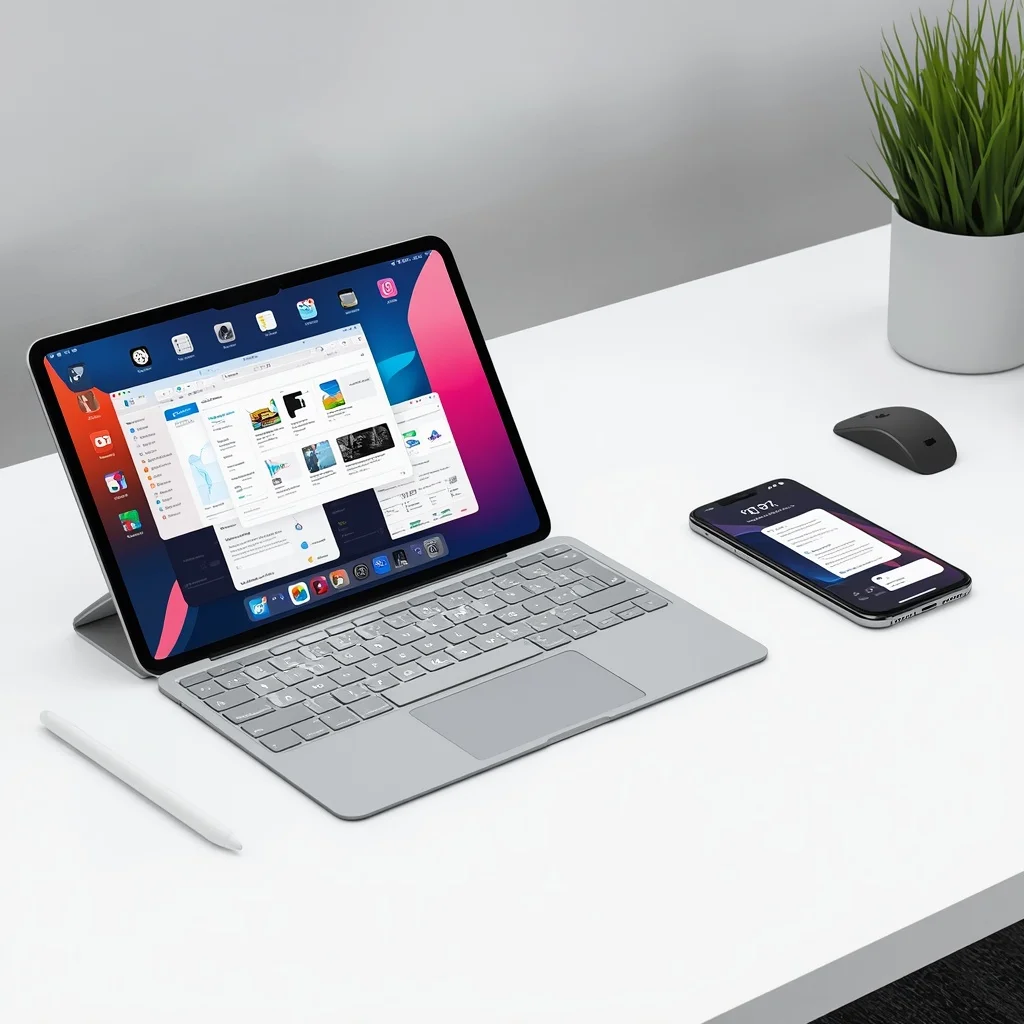
Apple’s operating systems have become more closely connected over the years, but iPhone and iPad still provide different experiences. With iPadOS 26 and iOS 26, Apple introduced a refreshed design and several new capabilities while continuing to build separate features around the different screen sizes and ways people use each device.
If you are comparing iPadOS 26 vs iOS 26, the biggest differences are not simply about appearance. iPadOS is designed around larger displays, multitasking, windows, keyboards, Apple Pencil, and desktop-style workflows. iOS remains focused on the more compact iPhone experience.
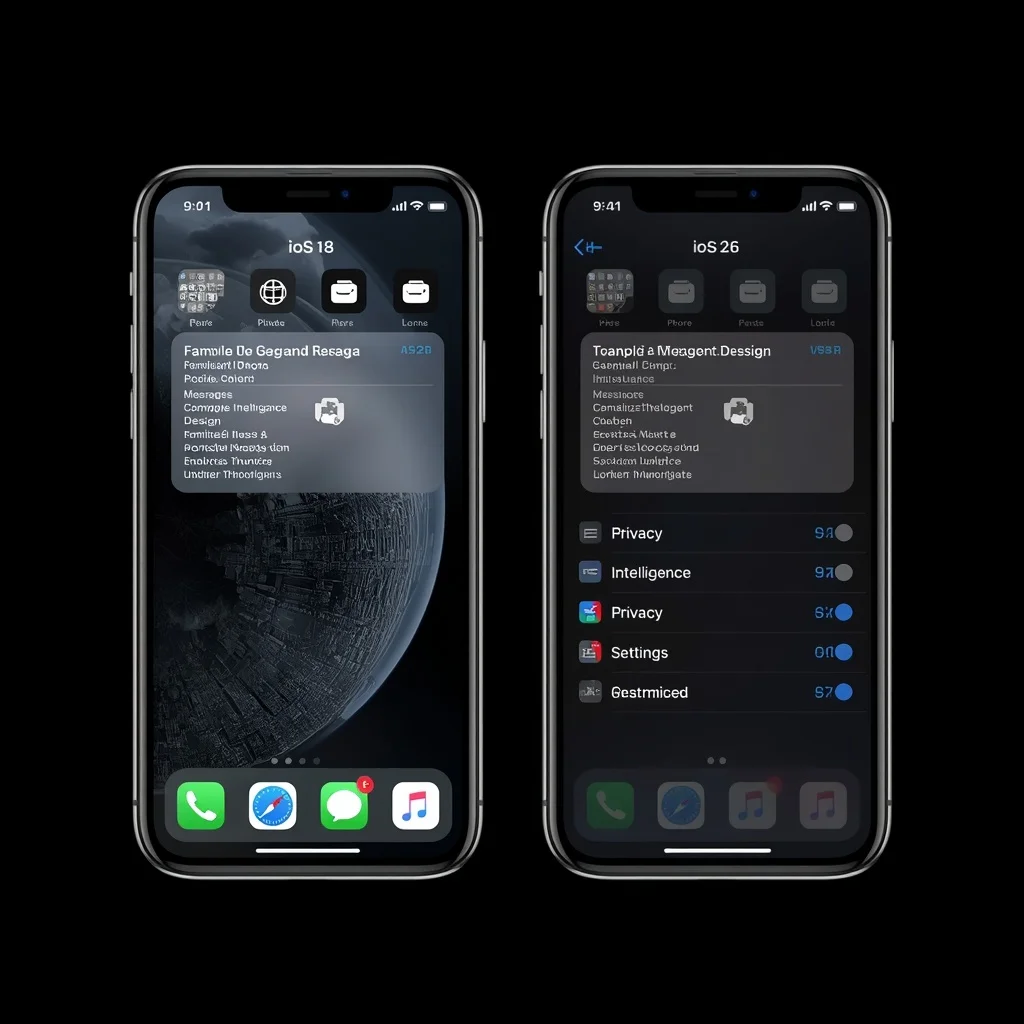
It is also useful to compare both systems with iOS 18 because it shows how much Apple’s software experience has changed.
iPadOS 26 vs iOS 26: Quick Comparison
| Feature | iPadOS 26 | iOS 26 | iOS 18 |
| Device | iPad | iPhone | iPhone |
| New visual design | Yes | Yes | Previous design |
| Advanced windowing | Yes | No | No |
| Multiple app windows | Yes | Limited to iPhone app model | No |
| Large-screen multitasking | Strong focus | More limited | Limited |
| Apple Pencil integration | Yes | No | No |
| External keyboard workflows | Extensive | Available but different | Available |
| Desktop-style menu bar | Yes | No | No |
| Preview app | Yes | No | No |
| Files improvements | More desktop-like | More limited | Earlier Files experience |
| iPhone-style compact interface | No | Yes | Yes |
| iPad productivity focus | High | Moderate | N/A |
The exact features available can also depend on the iPad or iPhone model.
What Is iPadOS 26?
iPadOS 26 is Apple’s operating system for compatible iPad models. It continues the company’s strategy of giving the iPad a more capable productivity environment rather than treating it as simply a larger iPhone.
The larger display gives Apple more room to build features around multitasking, document management, windows, keyboards, and creative workflows.
One of the most important changes in iPadOS 26 is the stronger window-based working experience.
Users can work with applications in resizable windows, arrange them around the display, and switch between different tasks more naturally. This makes the iPad feel closer to a traditional computer when it is used with a keyboard, trackpad, or mouse.
What Is iOS 26?
iOS 26 is Apple’s operating system for compatible iPhone models. It introduces Apple’s newer visual design while maintaining the core iPhone experience.
The iPhone version is optimized for a smaller touchscreen and one-handed or mobile usage. Although iOS 26 adds many customization and communication improvements, it does not turn the iPhone into an iPad-style desktop environment.
This distinction is important when comparing iPadOS 26 vs iOS 26.
The two systems share many underlying technologies and design principles, but Apple adapts them to different hardware.
iPadOS 26 vs iOS 26 Design
One of the obvious similarities between iPadOS 26 and iOS 26 is the updated visual language.
Apple introduced a more layered interface with translucent elements and redesigned system components. The goal is to create a consistent appearance across Apple’s platforms.
However, the same design is presented differently on each device.
On an iPhone, interface elements need to work within a relatively small display. On an iPad, Apple can use the extra screen space to display more controls and applications at the same time.
This means iPadOS 26 can look familiar to iPhone users while still behaving differently.
Windowing Is a Major iPadOS 26 Difference
One of the biggest reasons to choose an iPad over an iPhone for productivity is the larger working area.
iPadOS 26 expands the windowing experience, making it easier to resize and arrange applications.
For example, you can work on a document while keeping another application visible beside it. You can also organize several windows according to the task you are performing.
This is particularly useful for:
- Research and writing
- Online learning
- Email and document work
- Video calls
- Photo editing
- Spreadsheet work
- Web browsing
- Note-taking
- Content creation
iOS 26 does not provide the same desktop-style multitasking environment because the iPhone’s smaller screen requires a different interface approach.
iPadOS 26 and External Displays
The iPad has increasingly become useful as a computer replacement for some users.
External display support is an important part of that transition. With a compatible iPad and accessories, users can create a larger workspace and organize applications more like they would on a desktop computer.
This can be especially useful for people who use an iPad with:
- A keyboard
- A mouse or trackpad
- An external monitor
- USB-C accessories
- External storage
The exact capabilities depend on the iPad model and connected hardware.
Apple Pencil Gives iPadOS 26 a Different Purpose
Apple Pencil is another major difference between iPadOS 26 and iOS 26.
The iPad supports Apple Pencil on compatible models, allowing users to write, draw, mark up documents, take handwritten notes, and work with creative applications.
An iPhone does not provide the same Apple Pencil experience.
For students, designers, illustrators, architects, and people who regularly annotate documents, this hardware difference can be more important than individual software features.
iPadOS 26 vs iOS 26 for Multitasking
Multitasking is one of the clearest areas where iPadOS has an advantage because the iPad provides significantly more screen space.
On an iPhone, switching between applications is generally designed around using one primary application at a time.
On an iPad, the larger display allows multiple applications and windows to remain part of the same workflow.
For example, a student could research information in Safari while keeping a note-taking application available. A professional could review an email while working on a document.
This makes iPadOS 26 particularly relevant for users who want a portable productivity device.
Files and Document Management
iPadOS 26 also moves further toward a traditional computer-style workflow.
The Files app provides tools for managing folders, documents, external storage, and other files. iPadOS also benefits from the iPad’s larger display when working with multiple documents.
Another notable addition is the Preview app, bringing a familiar document and PDF workflow to iPad.
This is useful for opening, viewing, annotating, and working with documents without relying entirely on third-party applications.
For people who use an iPad for school or office work, these changes can make the device more practical as a primary computer.
Menu Bar and Desktop-Like Controls
iPadOS 26 introduces more desktop-inspired controls, including a menu bar experience.
This is another sign that Apple is positioning the iPad as something more than a large touchscreen tablet.
The traditional iPad interface remains touch-friendly, but keyboard and pointer users can take advantage of additional controls.
This hybrid approach is one of the most important differences between iPadOS 26 and iOS 26.
iPadOS 26 vs iOS 26 for Keyboard Users
Both iPhone and iPad can work with physical keyboards, but the iPad is much more suitable for long-form typing.
An iPad paired with a keyboard can be useful for:
- Writing articles
- Creating documents
- Responding to emails
- Studying
- Managing websites
- Editing spreadsheets
- Programming and technical work
- Taking notes
iOS 26 remains primarily designed around touch interaction on the iPhone.
Therefore, someone who regularly writes long documents may find the iPadOS workflow more natural.
iPadOS 26 vs iOS 26 for Gaming
Both platforms provide access to Apple’s gaming ecosystem, and modern iPads can offer powerful hardware.
However, the experience can differ because of screen size and hardware configuration.
An iPad’s larger display can be useful for games with complex interfaces, while an iPhone is easier to carry and use anywhere.
For gaming performance, the specific device’s processor, GPU capabilities, thermal design, display, and supported games matter more than simply choosing iPadOS or iOS.
iPadOS 26 vs iOS 26 for Students
For students, iPadOS 26 can provide a combination of portability and productivity.
An iPad can be used for:
- Digital textbooks
- Handwritten notes
- PDF annotation
- Research
- Online classes
- Presentations
- Document editing
- Drawing diagrams
- Recording information
Apple Pencil support is particularly useful for handwritten notes and annotations.
An iPhone remains useful as a communication and quick-access device, but its smaller display makes it less suitable for extended document and study sessions.
iPadOS 26 vs iOS 26 for Work
The better choice depends on the type of work.
An iPhone is convenient for communication, quick document access, authentication, meetings, and mobile tasks.
An iPad can be more suitable for people who need a larger workspace but still want something portable.
With a keyboard, trackpad, external display, and suitable applications, an iPad can support workflows that are difficult to perform comfortably on an iPhone.
However, professionals who depend on specialized desktop software may still need macOS or Windows.
iPadOS 26 vs iOS 18: What Changed?
Comparing iPadOS 26 with iOS 18 is slightly different because iOS 18 was designed around Apple’s previous generation of interface and system capabilities.
The move to Apple’s newer design language is one of the most visible changes.
But the bigger difference for iPad users is the continued development of productivity features.
iPadOS has moved further toward:
- Flexible windows
- Better multitasking
- Desktop-style controls
- Improved file management
- External display workflows
- Better support for professional accessories
- More computer-like productivity
Meanwhile, iOS 18 remains an important reference point for users who are deciding whether an upgrade to a newer operating system is worthwhile.
Should You Upgrade to iPadOS 26?
If your iPad supports iPadOS 26, the decision depends on how you use it.
The newer system can be particularly interesting if you want better multitasking, window management, document workflows, and a more computer-like interface.
Before upgrading, however, check Apple’s compatibility information for your exact iPad model.
You should also make sure important applications and accessories continue to work as expected.
Apple provides current software compatibility and security information through its official website:
iPadOS 26 vs iOS 26: Which One Is Different for You?
There is no single version that replaces the other because Apple designed them for different types of devices.
iPadOS 26 is built around a larger display and more flexible productivity workflows. Window management, Apple Pencil, external displays, keyboards, and document management make it particularly different from iOS.
iOS 26 remains focused on the iPhone experience, with an interface designed for a smaller touchscreen and mobile use.
If you are already using an iPad as a laptop alternative, the changes in iPadOS 26 are especially relevant. If your primary device is an iPhone, iOS 26 provides the operating system designed specifically for that form factor.
Frequently Asked Questions
Is iPadOS 26 the same as iOS 26?
No. iPadOS 26 and iOS 26 share many technologies and design elements, but iPadOS includes features designed specifically for the iPad’s larger display and accessories.
What is the biggest difference between iPadOS 26 and iOS 26?
One of the biggest differences is multitasking and window management. iPadOS 26 provides a more flexible desktop-style working environment, while iOS 26 is optimized for the iPhone’s smaller screen.
Can iPadOS 26 replace a laptop?
For some users, yes. An iPad with a keyboard, trackpad, external display, and suitable applications can handle many everyday computer tasks. However, specialized professional software may still require a traditional computer.
Does iPadOS 26 support Apple Pencil?
Compatible iPad models support Apple Pencil, although the exact Apple Pencil model depends on the specific iPad.
Is iPadOS 26 better for students?
The larger display, Apple Pencil support, document management, multitasking, and keyboard options can make iPadOS useful for students. The best choice still depends on the student’s software and study requirements.
Should you upgrade from iOS 18 to iOS 26?
If your iPhone supports the newer software, compare its features with the applications and workflows you use. Before upgrading, check device compatibility and make sure important apps and accessories are supported.
Final Thoughts
The comparison between iPadOS 26 vs iOS 26 and iOS 18 shows how Apple’s operating systems are becoming more visually consistent while remaining specialized for different devices.
iOS 26 is designed around the iPhone’s compact and mobile experience. iPadOS 26 takes advantage of the iPad’s larger screen and accessories by offering a more flexible environment for multitasking, windows, documents, keyboards, Apple Pencil, and external displays.
For people who mainly consume content and communicate, an iPhone may be enough. For users who want a portable productivity device with a larger workspace, iPadOS 26 provides a substantially different experience.
The important point is not simply which operating system is newer. The better fit depends on the device you own, the applications you use, and whether your daily workflow benefits from a larger screen and computer-style controls.



Leave a Reply