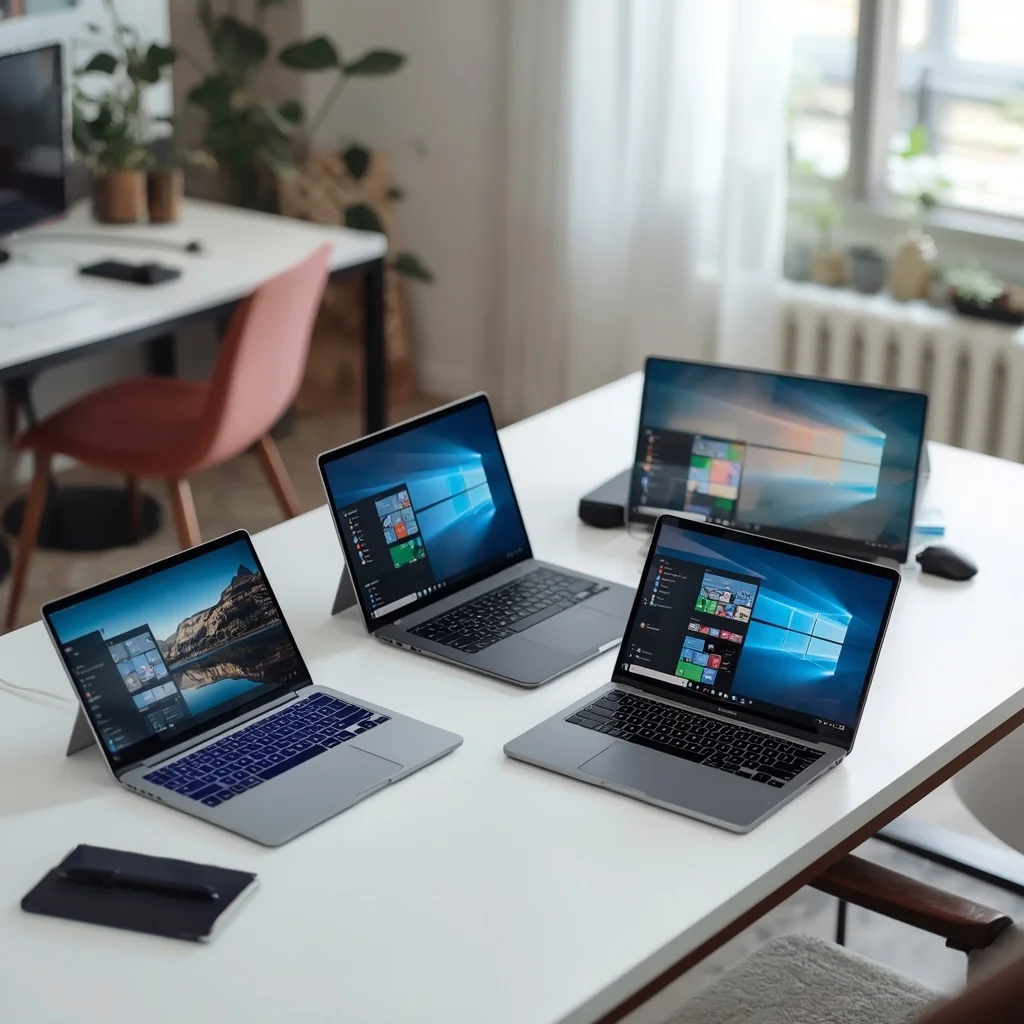
Choosing the best laptops for home use in 2026 is not simply about buying the most expensive computer you can find. A good home laptop should match the way you actually use it.
For one person, that may mean browsing the web, watching videos, checking email, and managing documents. For another, it could mean studying, working from home, video calls, photo editing, programming, or running several applications at the same time.
The best choice depends on performance, battery life, display quality, storage, portability, operating system, and budget.
This guide explains what to look for when buying a laptop for home use and which specifications matter most.
What Makes a Good Home Laptop?
A home laptop should provide a comfortable balance between performance and everyday usability.
Unlike a specialized gaming or workstation laptop, a home computer does not necessarily need the most powerful processor or dedicated graphics card.
For most people, the important features are:
- A reliable processor
- At least 8GB of RAM
- Fast SSD storage
- A good-quality display
- Comfortable keyboard
- Reliable Wi-Fi
- Good battery life
- Enough ports for your accessories
- A suitable operating system
If you regularly multitask, work with large files, edit photos, or use demanding software, choosing 16GB of RAM can provide more breathing room.
Best Laptop Types for Home Use
There is no single laptop design that works for everyone. Different types are better suited to different situations.
Windows Laptops
Windows laptops are among the most flexible options for home users.
They are available across a wide range of prices and specifications, from affordable systems for browsing and schoolwork to powerful computers for professional applications.
Windows is also widely supported by software, peripherals, printers, accessories, and business applications.
If you already use Windows at work or school, staying with the same operating system can make your home setup easier.
MacBooks
MacBooks are popular with users who want a premium laptop, strong battery efficiency, a high-quality display, and close integration with other Apple devices.
They can be particularly convenient if you already use an iPhone or iPad.
For general home use, browsing, office work, studying, content creation, and many professional workloads, a modern MacBook can provide more than enough performance.
Chromebooks
Chromebooks are designed around Google’s ChromeOS and are often attractive to users who mainly work online.
They can be suitable for:
- Web browsing
- Google Docs
- Google Sheets
- Online classes
- Streaming
- Basic productivity
They are usually less suitable for users who depend on traditional Windows applications or demanding desktop software.
For a deeper look at this category, a dedicated Chromebook buying guide can help you compare the important specifications and use cases.
Best Processor for a Home Laptop
The processor is one of the most important components in a laptop.
For everyday home use, you generally do not need the highest-end processor available.
A modern mid-range processor can handle common tasks such as:
- Web browsing
- Office applications
- Video calls
- Streaming
- Online learning
- Document editing
- Light photo editing
If you frequently run demanding applications, compile code, edit video, or perform other processor-intensive work, moving to a higher-performance processor can make sense.
When comparing laptops, do not judge processors only by their model name. Consider the processor generation, architecture, number of cores, power characteristics, and the laptop’s cooling system.
How Much RAM Does a Home Laptop Need?
RAM affects how many applications and browser tabs you can comfortably keep open at once.
8GB RAM
8GB can be sufficient for basic home tasks such as browsing, email, documents, streaming, and online classes.
16GB RAM
16GB is a better choice for users who multitask frequently.
It can be especially useful if you regularly keep many browser tabs open while running office applications, communication software, editing tools, or development environments.
32GB RAM
32GB is usually unnecessary for basic home use, but it can be valuable for demanding workloads such as professional video editing, software development, virtualization, or other memory-intensive applications.
For most buyers, 16GB is a comfortable target for a laptop intended to remain useful for several years.
SSD Storage vs Traditional Hard Drive
For a modern laptop, an SSD is strongly preferable to a traditional mechanical hard drive.
An SSD can provide:
- Faster startup
- Faster application loading
- Quicker file access
- Better overall responsiveness
- No moving mechanical parts
A laptop with an SSD generally feels significantly more responsive during everyday use.
How Much Storage Do You Need?
Your ideal storage capacity depends on how you use the laptop.
256GB: Suitable for basic users who mainly work online.
512GB: A good balance for many home users.
1TB: Better for users who store large photo, video, software, or game libraries locally.
Remember that the operating system and installed applications already consume part of the advertised storage capacity.
What Display Size Is Best for Home Use?
Screen size affects both comfort and portability.
13–14 Inch
Smaller laptops are easier to carry and can work well for students and people who move between rooms or locations.
15–16 Inch
A larger display provides more workspace and can be more comfortable for long sessions at home.
It is a good choice if portability is less important.
Resolution
A Full HD-class display is sufficient for many users.
Higher-resolution displays can provide sharper text and images, but they may also affect battery life and increase the laptop’s price.
Display quality should not be judged by resolution alone. Brightness, color reproduction, viewing angles, refresh rate, and panel technology can all affect the experience.
Best Laptop for Working From Home
A laptop used for remote work should prioritize reliability and comfort.
Look for:
- Comfortable keyboard
- Good webcam
- Clear microphone
- Reliable Wi-Fi
- Long battery life
- Quality display
- Enough USB ports
- HDMI or suitable external-display support
- Fast SSD storage
Video conferencing can be particularly demanding on battery life and network connectivity, so a laptop with a good webcam and microphone can make remote meetings easier.
If you regularly connect the laptop to a monitor, keyboard, mouse, printer, and other accessories, check the available ports before buying.
Best Laptop for Students at Home
Students often need a combination of portability, battery life, performance, and affordability.
For basic school or university tasks, a laptop should comfortably handle:
- Research
- Web browsing
- Word processing
- Presentations
- Online classes
- Video calls
- PDF documents
- Cloud storage
Students working with programming tools, engineering software, design applications, or video editing may need more RAM and processing power.
Best Laptop for Browsing and Streaming
If your primary activities are browsing websites, watching YouTube, streaming movies, checking email, and using social media, you can avoid spending money on unnecessary high-end hardware.
A modern entry-level or mid-range laptop with an SSD and sufficient RAM should provide a smooth experience.
In this category, display quality can actually be more important than buying a very powerful processor.
A good screen and comfortable speakers can make a significant difference when watching movies and videos.
Best Laptop for Home Office Work
For home office work, prioritize productivity rather than raw performance.
A suitable configuration might include:
- Modern mid-range processor
- 16GB RAM
- 512GB SSD
- Full HD or better display
- Good webcam
- Reliable Wi-Fi
- Comfortable keyboard
If your work involves spreadsheets with large datasets, development environments, image editing, or other demanding applications, consider stepping up to a more powerful configuration.
Do You Need a Dedicated Graphics Card?
Most home users do not.
Integrated graphics are sufficient for:
- Web browsing
- Office work
- Streaming
- Video calls
- General productivity
- Basic photo editing
A dedicated GPU becomes more relevant if you plan to:
- Play demanding PC games
- Edit high-resolution video
- Work with 3D applications
- Perform GPU-accelerated professional workloads
- Use advanced creative software
A dedicated graphics card can increase cost, power consumption, heat, and laptop weight, so there is little reason to pay for one if you do not need it.
Windows vs MacBook for Home Use
Both platforms can be excellent choices.
Choose Windows If:
- You want more hardware choices
- You need specific Windows software
- You want a wider range of price points
- You need compatibility with specialized peripherals
- Gaming is important
Choose a MacBook If:
- You prefer Apple’s ecosystem
- You already use an iPhone or iPad
- Battery efficiency is important
- You want a premium build
- You use software that works well on macOS
The better operating system is ultimately the one that supports the applications and workflow you actually use.
What About Chromebooks?
Chromebooks can be excellent home computers when your work is primarily browser-based.
ChromeOS is designed around web applications and Google’s ecosystem.
A Chromebook can be a good fit for someone who mainly uses:
- Gmail
- Google Docs
- Google Drive
- YouTube
- Web applications
- Online education platforms
However, compatibility should be checked before purchasing if you rely on specialized Windows or macOS software.
Laptop Battery Life
Battery life is important even when you mostly use your laptop at home.
A laptop with good battery life gives you more flexibility to move around the house without constantly searching for a power outlet.
Real-world battery life depends on factors such as:
- Processor
- Display brightness
- Screen resolution
- Applications
- Browser usage
- Video playback
- Wi-Fi activity
- Battery capacity
Manufacturer battery estimates can also differ from real-world usage, so look for independent testing when comparing specific models.
Keyboard and Trackpad Matter
Specifications are important, but you interact with your laptop through the keyboard and trackpad every day.
Before buying, consider:
- Key travel
- Keyboard layout
- Backlighting
- Trackpad size
- Trackpad accuracy
- Palm-rest comfort
If you spend several hours typing every day, a comfortable keyboard can be more valuable than a small performance upgrade.
Ports and Connectivity
Modern thin laptops sometimes reduce the number of physical ports.
Before buying, consider what you connect to your computer.
You may need:
- USB-A
- USB-C
- HDMI
- Headphone jack
- SD card reader
- External monitor
- Ethernet through an adapter
USB-C is particularly useful because it can support charging, data transfer, displays, and other accessories depending on the laptop.
Laptop Security Features
Home computers can contain personal, financial, academic, and work information.
Security features worth considering include:
- Fingerprint reader
- Facial recognition where supported
- Secure boot
- Hardware security features
- Automatic software updates
- Strong account authentication
You should also keep the operating system and applications updated and use strong passwords.
Microsoft provides Windows security information for users who want to learn more about protecting Windows devices.
How Much Should You Spend on a Home Laptop?
Your budget should be based on your workload rather than a particular brand.
Entry-Level
Good for browsing, email, documents, streaming, and basic schoolwork.
Mid-Range
Better for multitasking, productivity, programming, remote work, and more demanding everyday use.
Premium
Useful when you want a high-quality display, premium build, stronger performance, better speakers, longer battery life, or specialized professional capabilities.
Spending more does not automatically mean you are getting a better laptop for your specific needs.
How Long Should a Home Laptop Last?
A laptop’s useful lifespan depends on its hardware, build quality, software support, maintenance, and workload.
A computer with sufficient RAM and storage can remain comfortable to use for several years.
When buying a new laptop, it is often worth choosing slightly better specifications than you need today if you plan to keep the computer for a long time.
For example, choosing 16GB RAM instead of 8GB can provide additional flexibility as applications become more demanding.
Common Mistakes When Buying a Home Laptop
Buying More Performance Than You Need
A powerful gaming laptop may be unnecessary for someone who only browses the web and watches videos.
Choosing Too Little Storage
A small drive can become inconvenient quickly when you start storing photos, videos, and applications.
Ignoring the Display
A laptop can have impressive specifications but still provide a poor experience if the screen is dim or uncomfortable.
Forgetting the Keyboard
If you type frequently, keyboard quality should be part of your decision.
Ignoring Ports
Check your accessories before buying. You may need an adapter if the laptop does not include the ports you use.
Focusing Only on Brand
Brand reputation matters, but the actual model and configuration matter more.
A Simple Home Laptop Buying Checklist
Before purchasing a laptop, ask yourself:
- What will I mainly use it for?
- Do I need Windows, macOS, or ChromeOS?
- How much RAM do I need?
- How much storage do I need?
- Do I need a dedicated GPU?
- What screen size do I prefer?
- How important is battery life?
- Which ports do I need?
- Do I need a good webcam?
- How long do I expect to keep the laptop?
Answering these questions can narrow your choices considerably.
Frequently Asked Questions
What is the best laptop for home use in 2026?
The best laptop depends on your workload and budget. For general home use, prioritize a modern processor, 8GB or preferably 16GB RAM, SSD storage, a comfortable display and keyboard, reliable connectivity, and good battery life.
Is 8GB RAM enough for a home laptop?
8GB can handle basic browsing, streaming, documents, and online classes. However, 16GB is a better choice if you multitask frequently or want more flexibility for future applications.
Is 256GB enough for a home laptop?
256GB can be enough for users who mainly work online and use cloud storage. If you store many photos, videos, games, or applications locally, 512GB or more is a safer choice.
Do I need a gaming laptop for home use?
No. A gaming laptop is only necessary if you plan to play demanding games or use software that benefits from a dedicated graphics processor.
Is a Chromebook good for home use?
A Chromebook can be an excellent choice for web browsing, email, Google Workspace, streaming, and online education. It may not be suitable for software that requires Windows or macOS.
Should I buy a laptop with 16GB RAM?
For many users buying a laptop for several years of use, 16GB is a sensible target. It provides more room for multitasking than 8GB.
Final Thoughts
The best laptops for home use in 2026 are not necessarily the most expensive models. The right laptop is the one that matches your everyday workload, software requirements, preferred operating system, and budget.
For general home use, look for a modern processor, SSD storage, sufficient RAM, a comfortable display and keyboard, reliable connectivity, and good battery life.
If you only browse the web and stream content, an affordable laptop may be all you need. If you work from home, program, edit media, or use demanding applications, investing in stronger hardware can make more sense.
The key is to buy for your actual needs while leaving enough performance headroom for the years you expect to use the laptop.




Leave a Reply