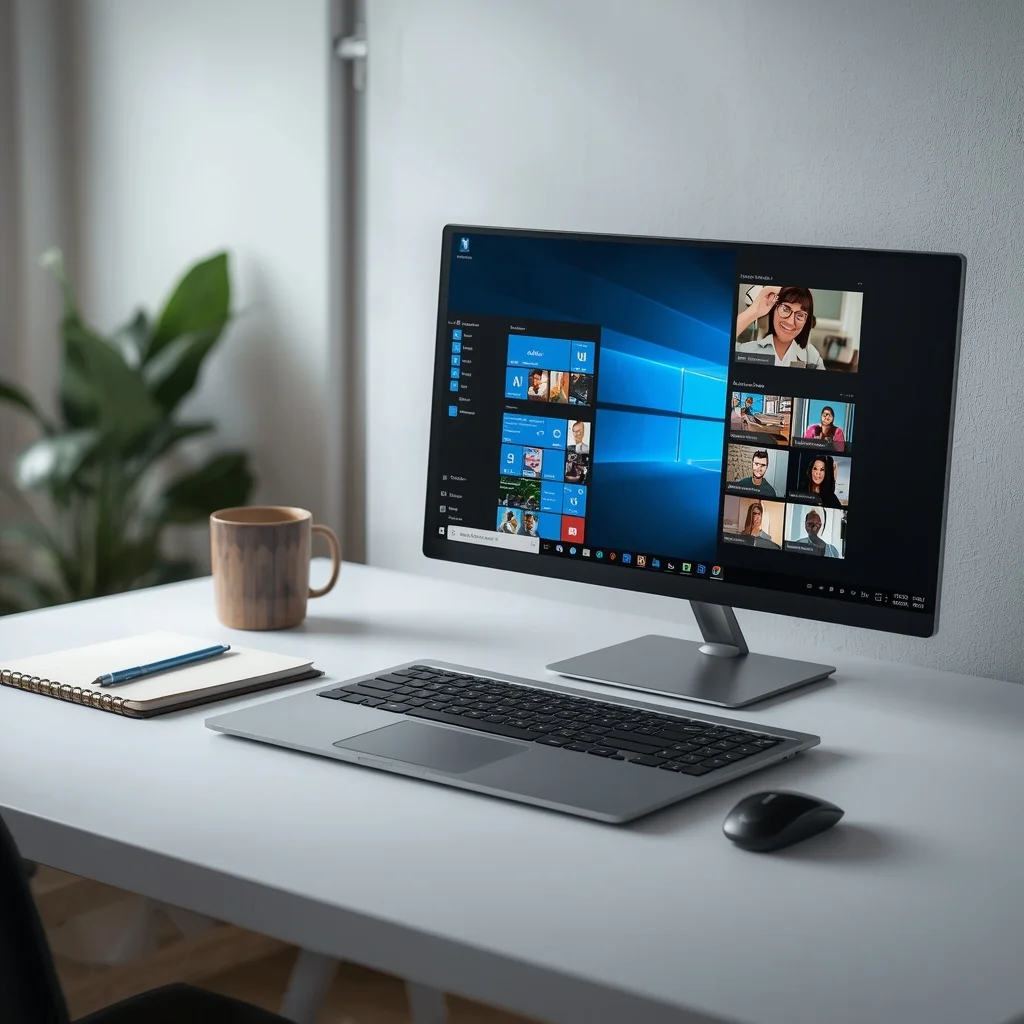
A Windows laptop can handle a wide range of everyday tasks, from browsing the web and watching movies to working from home, studying, managing files, attending online meetings, and running professional software. The challenge is choosing a model with the right combination of performance, battery life, display quality, storage, and price.
The best Windows laptop for home use is not necessarily the most powerful or expensive model. A family that mainly uses a laptop for browsing and streaming has very different requirements from someone who works with large spreadsheets, photo editing software, or demanding applications.
This guide explains what to look for when choosing a Windows laptop for personal and home use and how to match specifications with your actual needs.
What Makes a Good Windows Laptop for Home Use?
A good home laptop should be comfortable for everyday tasks without paying for hardware you will rarely use.
For most users, important features include:
- A modern processor
- At least 8GB of RAM
- SSD storage
- A clear Full HD or better display
- Reliable Wi-Fi
- Good battery life
- A comfortable keyboard
- Enough USB and other useful ports
- Windows support and security features
If the laptop will be used for several years, buying slightly better specifications than your current requirements can help extend its useful life.
Best Windows Laptop Types for Different Users
There is no single Windows laptop that is perfect for everyone. Different users should prioritize different hardware.
Windows Laptops for General Home Use
For web browsing, email, YouTube, online shopping, document editing, video calls, and light multitasking, a mainstream Windows laptop is usually sufficient.
Look for:
- 8GB or more RAM
- SSD storage
- A modern Intel Core or AMD Ryzen processor
- Full HD display
- Good keyboard and trackpad
You generally do not need a dedicated graphics card for these activities.
Windows Laptops for Students
Students often need a laptop that balances portability, battery life, and performance.
A suitable student laptop should be easy to carry between home, school, college, or university. It should also have enough battery capacity for several hours of normal work.
Consider:
- 8GB or 16GB RAM
- 256GB or larger SSD
- Lightweight design
- Webcam
- Reliable Wi-Fi
- USB connectivity
- Comfortable keyboard
If the student studies programming, engineering, design, or another demanding subject, processor and RAM requirements may be higher.
Windows Laptops for Work From Home
Remote workers often spend several hours each day using browsers, communication applications, office software, cloud services, and video conferencing.
For this type of work, prioritize:
- A comfortable keyboard
- High-quality webcam
- Good microphone
- 16GB RAM if multitasking heavily
- SSD storage
- Reliable wireless connectivity
- A display that is comfortable for long sessions
Screen size also matters. A 15- or 16-inch laptop can provide more workspace, while a 13- or 14-inch model is easier to carry.
How Much RAM Do You Need?
RAM affects how many applications and browser tabs you can comfortably keep open at the same time.
8GB RAM
8GB can work for basic home activities such as:
- Web browsing
- Office documents
- Streaming
- Basic online classes
It can be a reasonable starting point for a budget laptop, although heavier multitasking may benefit from more memory.
16GB RAM
16GB is a more flexible choice for many modern Windows laptops.
It is useful for:
- Heavy browser multitasking
- Office applications
- Programming
- Photo editing
- Larger spreadsheets
- Video conferencing while using other applications
If you intend to keep your laptop for several years, 16GB can provide more headroom.
32GB or More
Most ordinary home users do not need 32GB.
This amount becomes more relevant for demanding workloads such as professional video editing, software development with large environments, virtual machines, advanced creative applications, or other memory-intensive tasks.
Choosing the Right Processor
The processor has a major effect on overall laptop performance.
Modern Windows laptops commonly use processors from Intel, AMD, and other manufacturers.
Instead of choosing a processor based only on its brand name, consider the processor generation, number of cores, power characteristics, and the type of work you intend to perform.
For normal home use, you can usually focus on modern mainstream processors rather than high-end workstation-class chips.
A more powerful processor becomes useful when you regularly perform tasks such as:
- Video editing
- Software development
- Large data processing
- 3D applications
- Advanced photo editing
- Running several demanding programs simultaneously
SSD Storage Is Important
An SSD can make a Windows laptop feel considerably more responsive than an older system using a traditional hard drive.
With an SSD, Windows can boot faster and applications can generally open more quickly.
How Much Storage Do You Need?
A 256GB SSD may be enough for light users who primarily store files in cloud services.
A 512GB SSD is a more comfortable option for many home users because it provides additional space for applications, documents, photos, and other files.
A 1TB SSD makes more sense if you regularly keep large photo libraries, videos, games, or professional files locally.
Remember that Windows and installed applications already consume part of the advertised storage capacity.
Display Size and Resolution
Laptop screens usually come in several sizes, with smaller models emphasizing portability and larger models providing more workspace.
13- or 14-Inch
A smaller laptop can be easier to carry and is useful for students and people who work in different locations.
15- or 16-Inch
A larger display can be more comfortable for spreadsheets, documents, multitasking, and entertainment.
For general use, a Full HD-class resolution is a sensible baseline. Higher resolutions can provide sharper images but may increase power consumption and price.
Display quality is not only about resolution. Brightness, viewing angles, contrast, refresh rate, and panel technology can also affect the experience.
Do You Need a Dedicated Graphics Card?
For ordinary home use, usually not.
Integrated graphics are generally sufficient for:
- Web browsing
- Streaming video
- Office work
- Video calls
- Basic photo editing
- Everyday applications
A dedicated GPU becomes more useful for gaming, 3D rendering, advanced video editing, CAD, and other graphics-intensive workloads.
Adding a dedicated graphics card can also increase the laptop’s weight, power consumption, and cost.
Windows Laptop Battery Life
Battery life is particularly important if you plan to use the laptop away from a power outlet.
Manufacturer battery estimates should not be treated as guaranteed real-world results. Actual battery life can vary depending on screen brightness, applications, Wi-Fi activity, processor workload, power settings, and battery condition.
For home users who mostly work near a charger, battery life may be less important than screen quality or performance.
For students and mobile workers, however, battery endurance should receive more attention.
Ports and Connectivity
Before buying a Windows laptop, check the physical ports.
Depending on your setup, you may need:
- USB-A
- USB-C
- HDMI
- Headphone jack
- SD or microSD card reader
- Ethernet through an adapter or built-in port
USB-C is particularly useful because newer accessories and displays increasingly use it.
Do not assume that every USB-C port supports exactly the same functions. Data transfer, charging, display output, and other capabilities can vary between laptops.
Windows Security Features
Security should also be part of the buying decision.
Windows includes built-in security technologies, while newer PCs may offer additional hardware-based security capabilities.
Microsoft provides information about Windows security and supported security features through its official resources at Microsoft Support.
You should also keep Windows and installed applications updated, use strong account credentials, and avoid installing software from questionable sources.
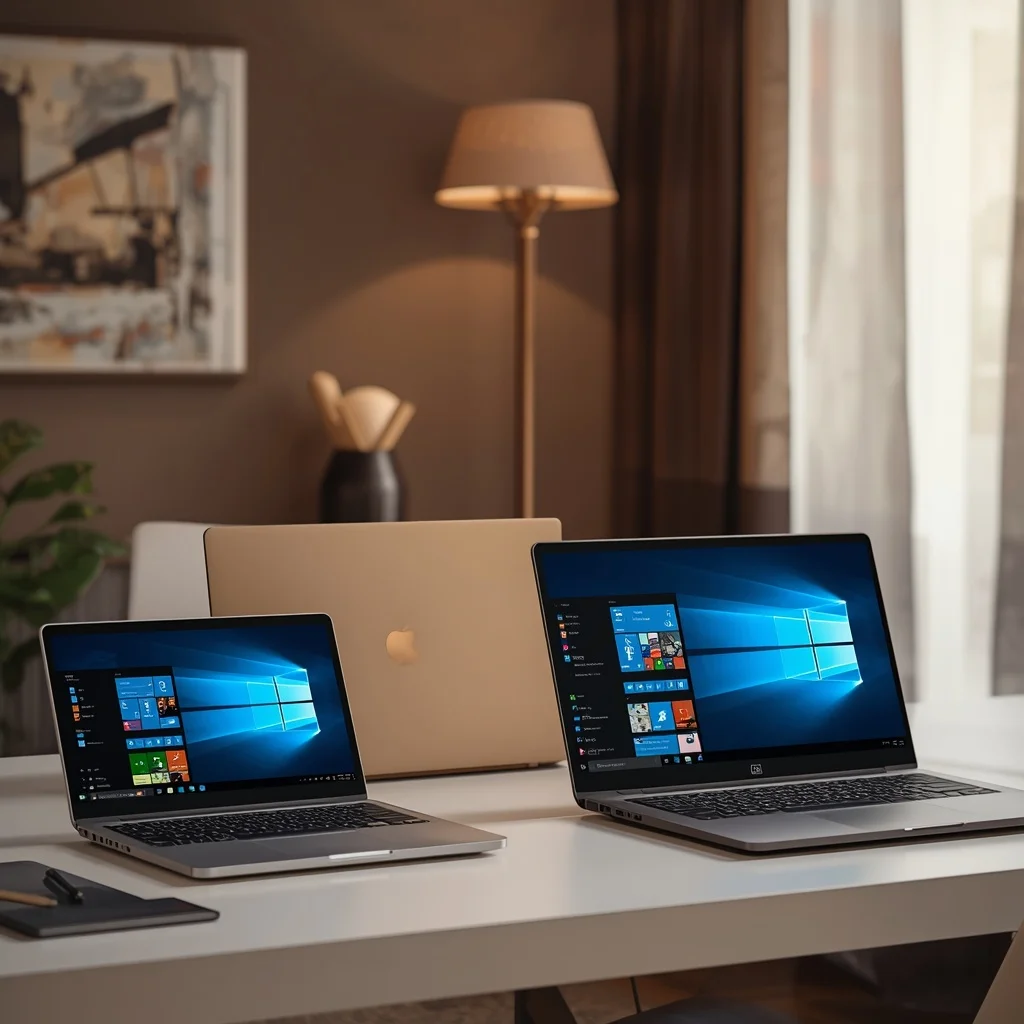
Windows Laptop vs MacBook for Home Use
Windows laptops and MacBooks both cover common home-computing needs, but they offer different ecosystems and hardware choices.
Windows provides a much broader range of manufacturers, prices, designs, and hardware configurations.
A Windows laptop can be a practical choice if you:
- Prefer Windows software
- Need specific Windows applications
- Want a wider selection of hardware
- Need certain ports or upgrade options
- Have a particular budget
MacBooks may appeal to users already invested in Apple’s ecosystem or those who prefer macOS.
The right choice depends on software requirements, existing devices, budget, and personal workflow rather than operating system alone.
Common Mistakes When Buying a Windows Laptop
Several buying mistakes can lead to an unnecessarily expensive or inconvenient laptop.
Buying More Performance Than You Need
A high-end processor and dedicated GPU may sound attractive, but they add cost and may provide little benefit for browsing, documents, and streaming.
Choosing Storage Based Only on Price
A very small SSD can become frustrating once applications, photos, videos, and Windows updates consume available space.
Ignoring the Display
Two laptops can have similar processors while offering very different screen quality. Check brightness, resolution, size, and panel characteristics.
Forgetting Port Requirements
If you frequently connect an external monitor, USB devices, memory cards, or other accessories, make sure the laptop has the connections you need.
Focusing Only on Specifications
Specifications matter, but build quality, keyboard comfort, trackpad performance, cooling, speakers, webcam quality, and warranty can also affect daily use.
How Much Should You Spend on a Home Windows Laptop?
Your budget should be based on what you actually need.
A basic laptop can be enough for browsing, documents, video calls, and streaming. A mid-range model provides more flexibility for multitasking and demanding applications. Premium Windows laptops usually focus on better displays, materials, portability, performance, or additional features.
Instead of setting the budget first and then finding a laptop, identify your workload first. This helps prevent spending money on specifications that will not improve your daily experience.
How Long Should a Windows Laptop Last?
The useful life of a laptop depends on its hardware, software support, maintenance, battery condition, and workload.
A laptop used only for browsing and documents may remain useful for years, while a demanding user may outgrow the same hardware much sooner.
To improve longevity:
- Keep Windows updated
- Maintain adequate free storage
- Avoid excessive heat
- Keep ventilation areas clear
- Use reputable software
- Back up important files
- Replace the battery when appropriate
- Avoid unnecessary background applications
Buying enough RAM and SSD capacity at the beginning can also reduce the need for an early replacement.
Windows Laptop Buying Checklist
Before purchasing a laptop for home or personal use, check the following:
- Processor generation and performance
- 8GB or preferably 16GB RAM for broader use
- 256GB, 512GB, or 1TB SSD based on storage needs
- Full HD or better display
- Screen size
- Battery capacity and real-world reviews
- Keyboard and trackpad
- Webcam and microphone
- USB and display ports
- Wi-Fi capabilities
- Weight and portability
- Windows edition
- Warranty
- Upgrade possibilities
- Manufacturer support
Frequently Asked Questions
What is the best Windows laptop for home use?
The right Windows laptop depends on your workload and budget. For ordinary home tasks, a modern mid-range laptop with an SSD, adequate RAM, and a good display can provide a balanced experience.
Is 8GB RAM enough for a Windows laptop?
8GB can be sufficient for basic browsing, documents, streaming, and light multitasking. Users who keep many applications or browser tabs open may benefit from 16GB.
Is 512GB SSD enough for home use?
For many users, 512GB provides a useful balance between capacity and price. People with large video, photo, or game libraries may prefer 1TB or more.
Do I need a gaming laptop for home use?
Not unless you plan to play demanding games or use graphics-intensive software. Gaming laptops can be unnecessarily heavy and expensive for basic home computing.
Is a 14-inch or 16-inch laptop better?
A 14-inch model generally offers better portability, while a 16-inch laptop provides a larger workspace. Your working environment should determine which size makes more sense.
Final Thoughts
Choosing a Windows laptop for home and personal use becomes much easier when you start with your actual workload rather than simply looking for the highest specifications.
For general users, a modern processor, 8GB or 16GB RAM, SSD storage, a good-quality display, and reliable connectivity can provide a strong foundation. Students and remote workers may want to prioritize portability, battery life, webcam quality, and keyboard comfort, while creative professionals and gamers may need significantly more powerful hardware.
The goal is to find a laptop that provides enough performance for today’s tasks while leaving some room for future software and workload changes.





Leave a Reply