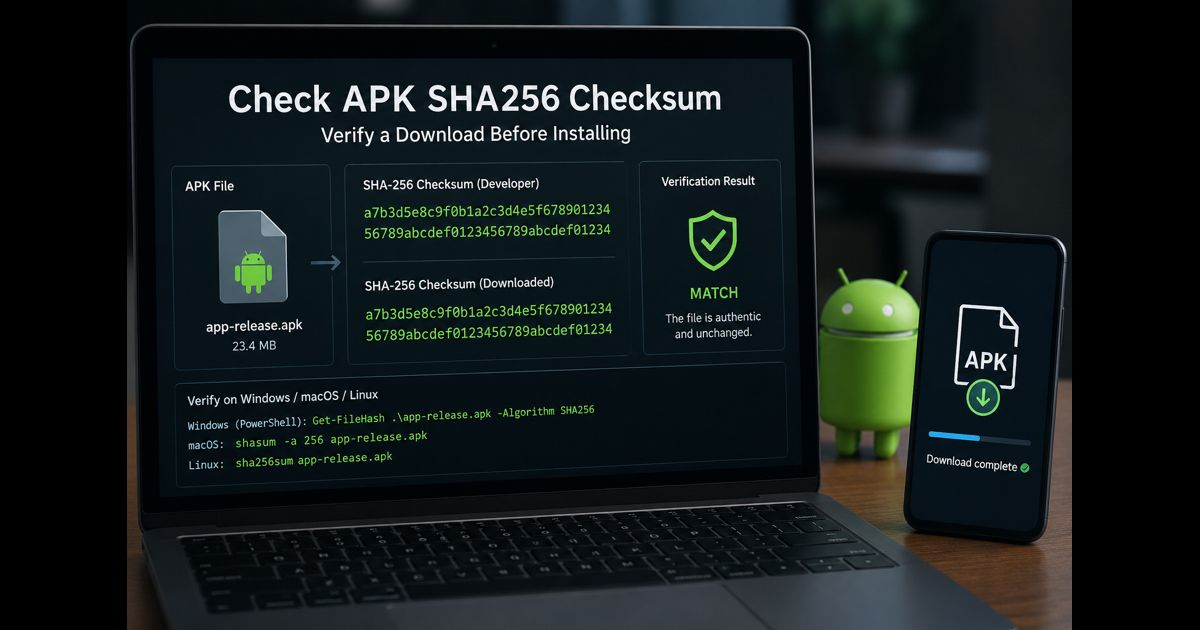
An APK SHA-256 check compares the app file you downloaded with a trusted value published by the developer. When both values match exactly, the downloaded file has not changed since that checksum was created. A mismatch means the file may be incomplete, altered, or simply a different version—and it should not be installed.
Before checking anything, identify what the developer published. A 64-character SHA-256 value may refer either to the APK file itself or to the APK’s signing certificate. They are not interchangeable.
Start with the official download source
Download the APK from the developer’s official website, verified GitHub release page, or another source the developer explicitly links. Then locate the matching checksum or certificate fingerprint on an independent official page.
The published value must match all of the following:
- The exact app name
- The exact version number
- The correct release variant, such as arm64-v8a, armeabi-v7a, universal, or x86_64
- The same file type: APK, XAPK, APKS, or ZIP archive
A checksum for version 4.2.1 will not match version 4.2.2, even when both are genuine releases.
Check the SHA-256 checksum of an APK file
A file checksum is calculated from every byte in the APK. Changing even one byte produces a different result.
Windows
Open PowerShell in the folder containing the APK and run:
Get-FileHash ".app-release.apk" -Algorithm SHA256
Windows will display a 64-character hash. Compare it with the file SHA-256 value published by the developer.
You can also use Command Prompt:
certutil -hashfile "app-release.apk" SHA256
macOS
Open Terminal and run:
shasum -a 256 app-release.apk
Linux
Open Terminal and run:
sha256sum app-release.apk
Ignore differences in letter case and spacing when comparing a file hash. The hexadecimal characters themselves must be identical.
When the developer publishes a signing-certificate fingerprint
Some Android developers publish the SHA-256 fingerprint of the certificate used to sign their APK, not a checksum for the whole file. This is common because Android uses signing certificates to verify app updates.
Do not run sha256sum, shasum, or Get-FileHash and compare that result with a certificate fingerprint. Those commands calculate the hash of the entire APK file, so the values are expected to be different.
Use Android’s apksigner tool instead:
apksigner verify –verbose –print-certs app-release.apk
Look for this line:
Signer #1 certificate SHA-256 digest:
Compare that displayed digest with the certificate SHA-256 value on the developer’s official page. Google documents apksigner as the recommended way to retrieve a signed APK’s certificate fingerprint.
If apksigner is not available, it is included in Android SDK Build Tools. Its location is usually inside the Android SDK build-tools folder.
Read the result correctly
A successful verification answers a specific question:
|
Check performed |
What a match confirms |
|
File SHA-256 checksum |
You have the exact file associated with the publisher’s checksum |
|
Certificate SHA-256 fingerprint |
The APK is signed by the certificate associated with the publisher’s fingerprint |
|
apksigner verification |
The APK signature can be verified for the relevant Android signing schemes |
These checks cannot prove that an unknown publisher is legitimate, that an app is safe to use, or that it will respect your privacy. They help establish file integrity and signing continuity; source reputation and requested permissions still matter.
For a broader explanation of Android packages and safe installation decisions, see this APK knowledge guide.
What to do when the values do not match
Do not install the APK. First check the simple causes:
- Confirm that the checksum belongs to the same version and release variant.
- Make sure the file finished downloading.
- Check whether the publisher updated the download but left an old checksum on the page.
- Download the file again from the official source.
- Recalculate the value using the correct method.
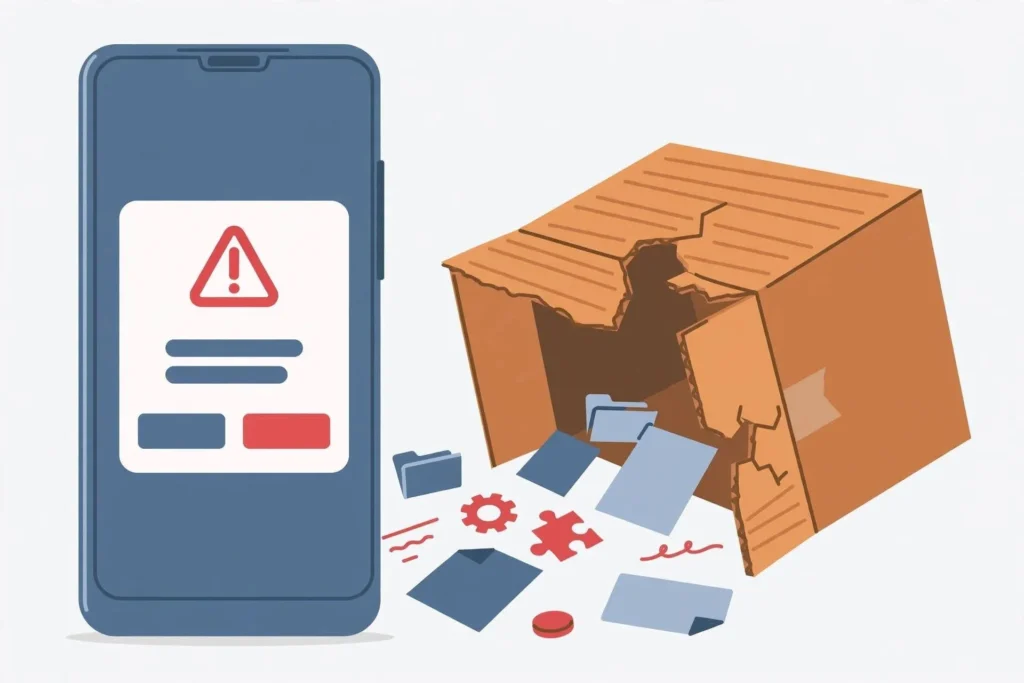
If the mismatch remains, delete the file and wait for clarification from the developer. Never replace a published SHA-256 value with one supplied by an unofficial download site.
APK, XAPK, and split-app package differences
A normal APK is one installable package file. An XAPK or APKS download can contain multiple APK files, such as a base package plus language, display-density, or processor-specific splits.
A checksum for the archive checks the archive as downloaded. It does not automatically verify each extracted APK. If a publisher provides hashes for individual files, verify each corresponding file after extraction.
Similarly, a universal APK and an arm64-v8a APK are different files. They should produce different SHA-256 checksums even if they install the same app version.
A practical verification routine
Use this order before sideloading an Android app:
- Obtain the APK from the developer’s official distribution channel.
- Confirm the version and device architecture.
- Find the developer’s checksum or certificate fingerprint on an official page.
- Use a file-hash command only for a published file checksum.
- Use apksigner verify –verbose –print-certs only for a published certificate fingerprint.
- Treat any mismatch as a stop sign.
- Review the app’s permissions after installation and remove it if its access requests do not fit its stated function.
Common mistakes to avoid
Comparing the wrong two values
The most common error is comparing a whole-file SHA-256 checksum with a signing-certificate SHA-256 fingerprint. Both have 64 hexadecimal characters, but they describe different data.
Trusting a checksum displayed by the same unknown download page
A malicious site can alter an APK and publish a matching checksum beside it. The reference value should come from a source controlled by the actual developer, ideally separate from the file host.
Ignoring version changes
A newly released build will always have a different file checksum. Verify the version before treating a difference as evidence of tampering.
Assuming an installed APK is identical to its Play Store edition
The direct-download version and Google Play version may use different signing arrangements, particularly where Play App Signing is involved. Compare only against the fingerprint the developer publishes for that specific distribution channel.
Final Thoughts
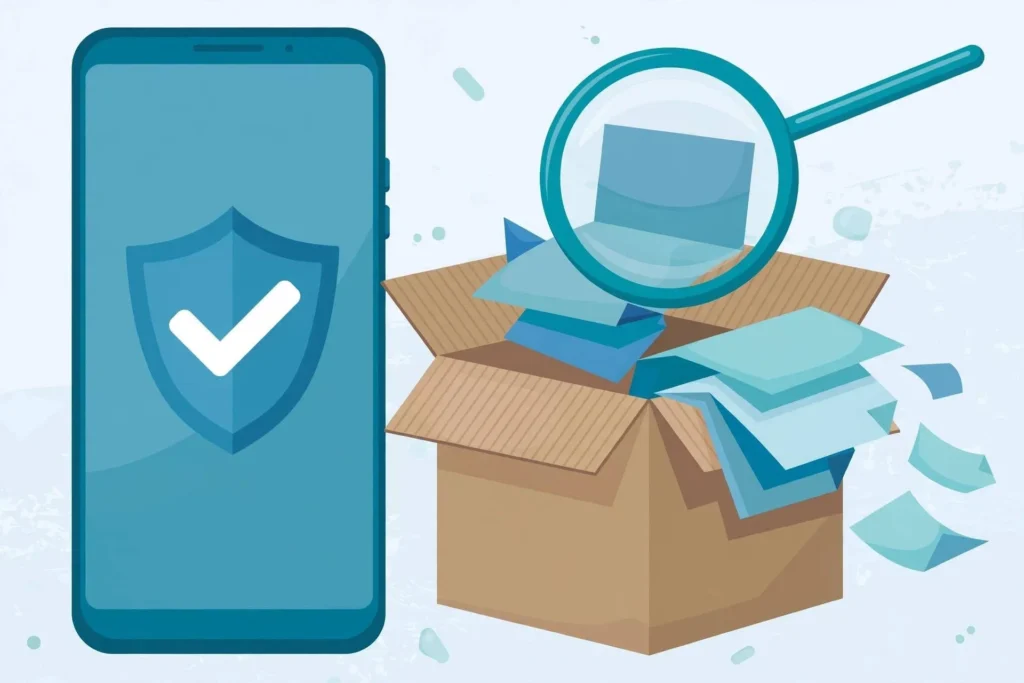
Checking an APK SHA-256 checksum is a useful integrity step before installation, but it works only when the comparison value comes from the genuine developer and refers to the exact file you downloaded. First determine whether the published value is a file checksum or a signing-certificate fingerprint, then use the matching verification method. A correct match provides meaningful evidence that the file has not changed; it should be combined with a trusted source and sensible permission review.





Leave a Reply