Author: Kevin
APK Installed but Not Opening on Android: Causes and Fixes
An APK can appear to install successfully yet fail when you tap its icon. The app may show a blank screen, close immediately, remain stuck on its loading screen, or display a repeated “keeps stopping” message. This does not point to one universal problem. The APK may be incomplete, incompatible with the device, dependent on…
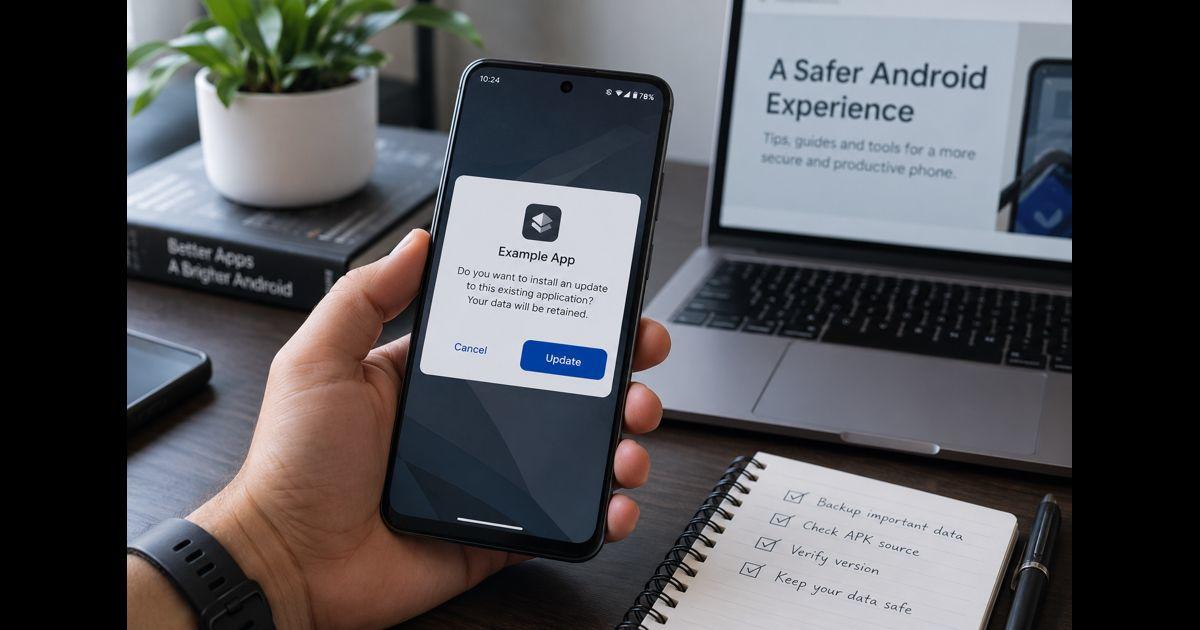
Update APK Without Losing Data on Android
To update an APK without losing data, install the newer APK over the existing app instead of uninstalling it first. Android can treat the installation as an update when the new file uses the same package name, has a compatible signing certificate, carries an acceptable version code, and supports the device. Your app settings, databases,…
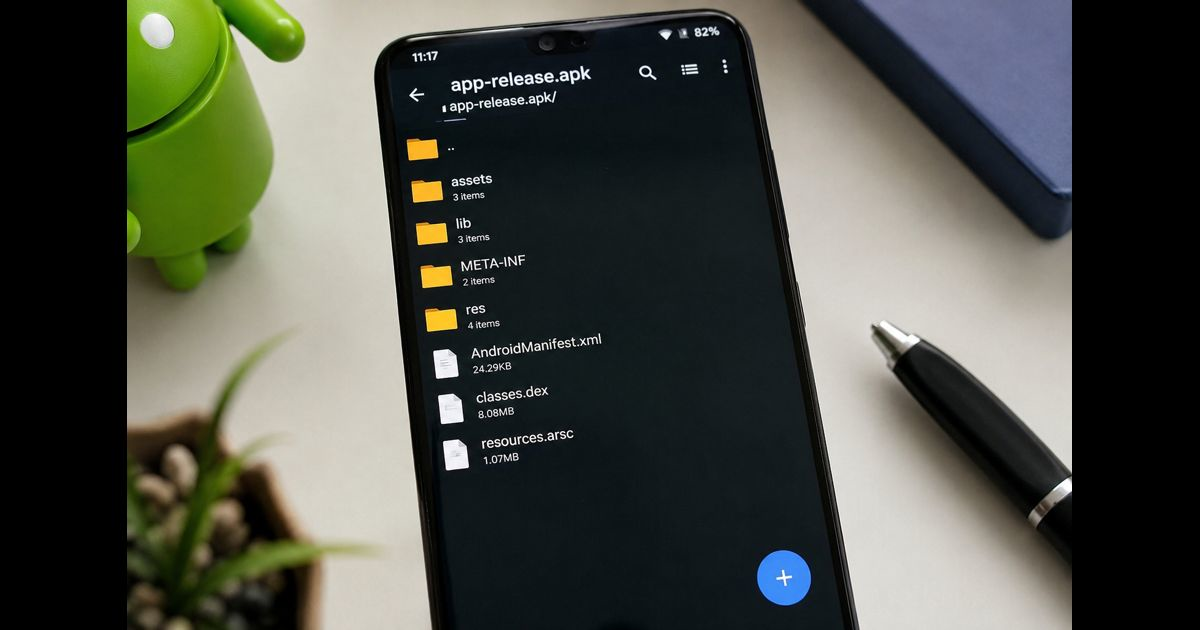
APK Opens as File List Instead of Installing: How to Fix It
If an APK opens as a file list instead of installing, Android is usually sending it to an archive or file-management app rather than the system package installer. The same symptom can also appear when the download is not a standalone APK, the filename has changed, or the website served the file with the wrong…
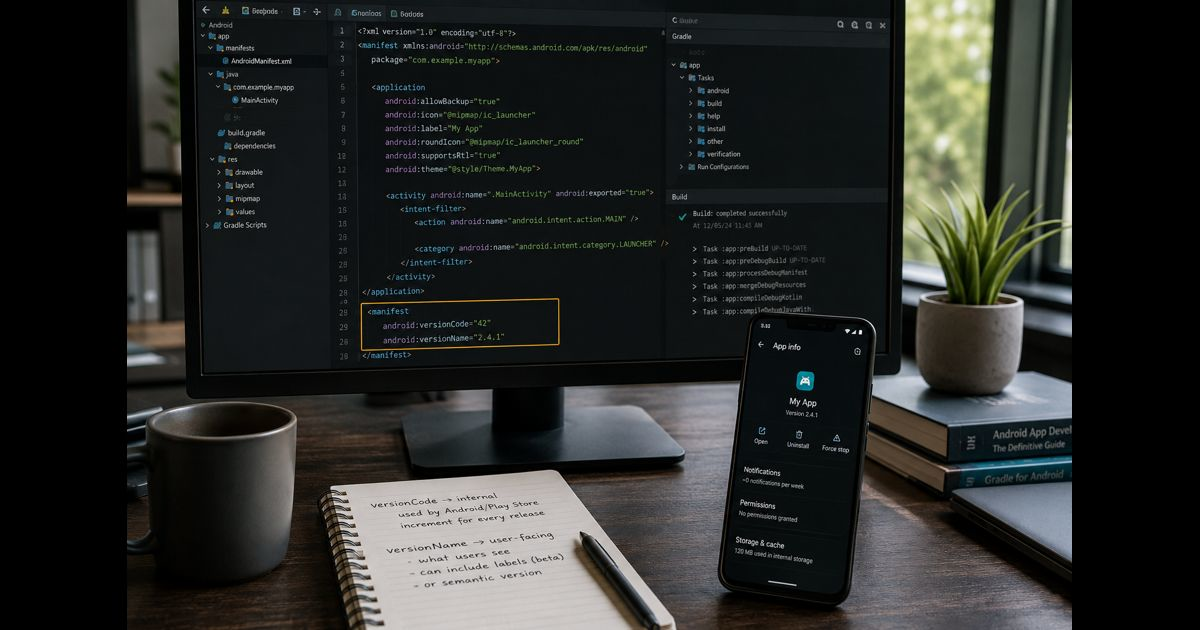
APK Version Code vs Version Name: What Each Value Controls
APK version code vs version name comes down to two different jobs: versionCode tells Android and app stores which build is newer, while versionName gives users a readable release label such as 2.4.1. A higher versionCode controls update ordering. The versionName can follow semantic versioning, include words such as beta, or even remain unchanged between builds. Android does not…
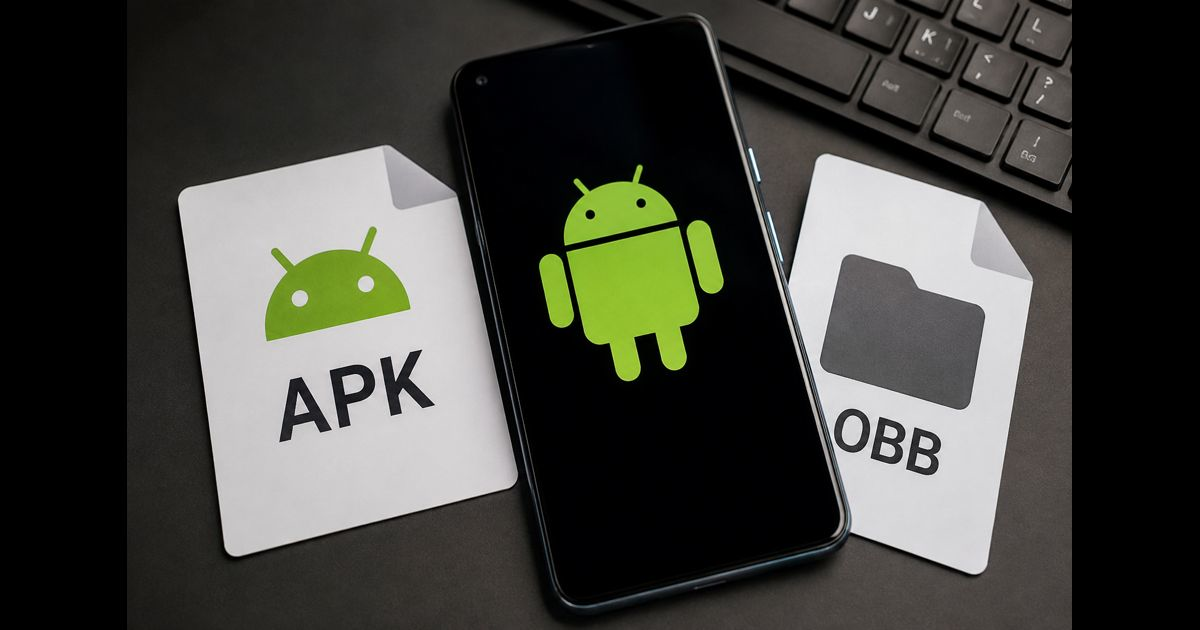
What Is OBB File With APK? Android Game Files Explained
An OBB file is an extra data file used by some Android apps alongside an APK. The APK installs the application; the OBB supplies larger assets, such as graphics, audio, video, or game levels. OBB stands for Opaque Binary Blob. It cannot install or run an app by itself. If a game needs an OBB,…
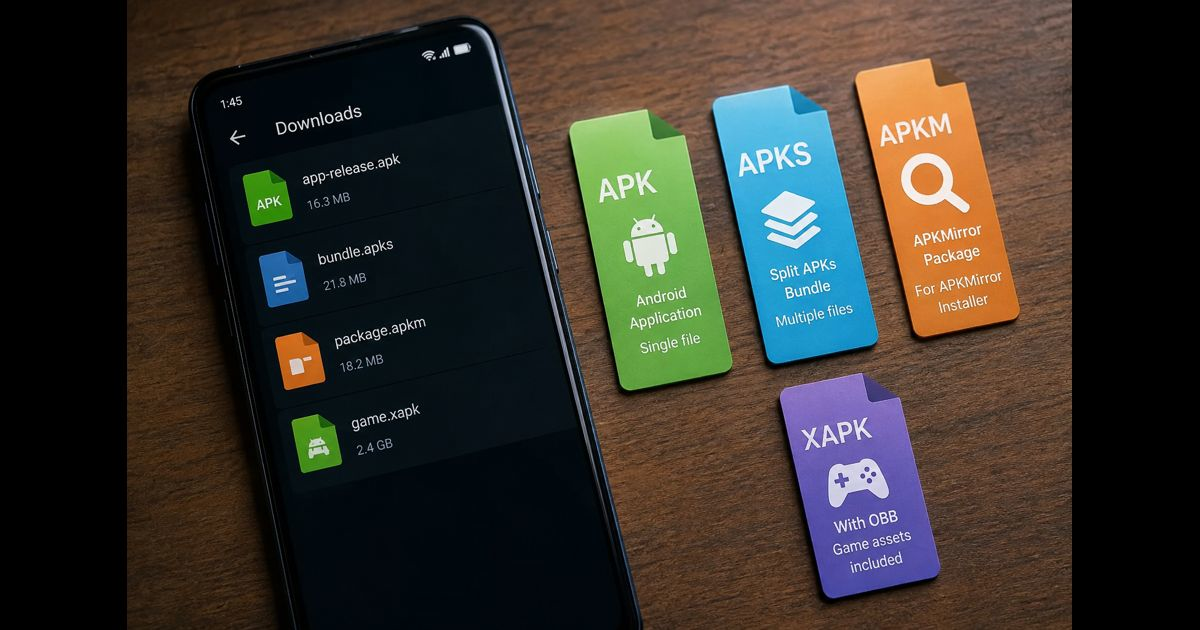
APK vs APKS vs APKM vs XAPK: What Each Android File Means
APK, APKS, APKM, and XAPK are all used to distribute Android apps outside Google Play, but they are not interchangeable. An APK is usually a single installable app file. APKS, APKM, and XAPK are containers that can hold several files needed for one app, often including device-specific components. The safest option is still Google Play…
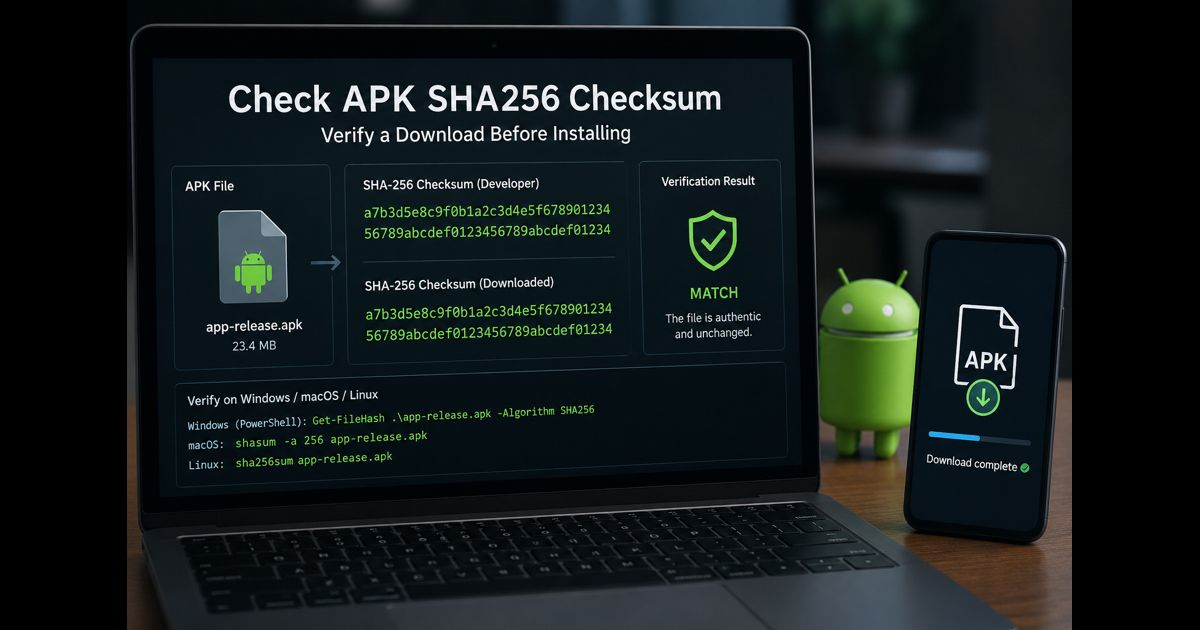
Check APK SHA256 Checksum: Verify a Download Before Installing
An APK SHA-256 check compares the app file you downloaded with a trusted value published by the developer. When both values match exactly, the downloaded file has not changed since that checksum was created. A mismatch means the file may be incomplete, altered, or simply a different version—and it should not be installed. Before checking…
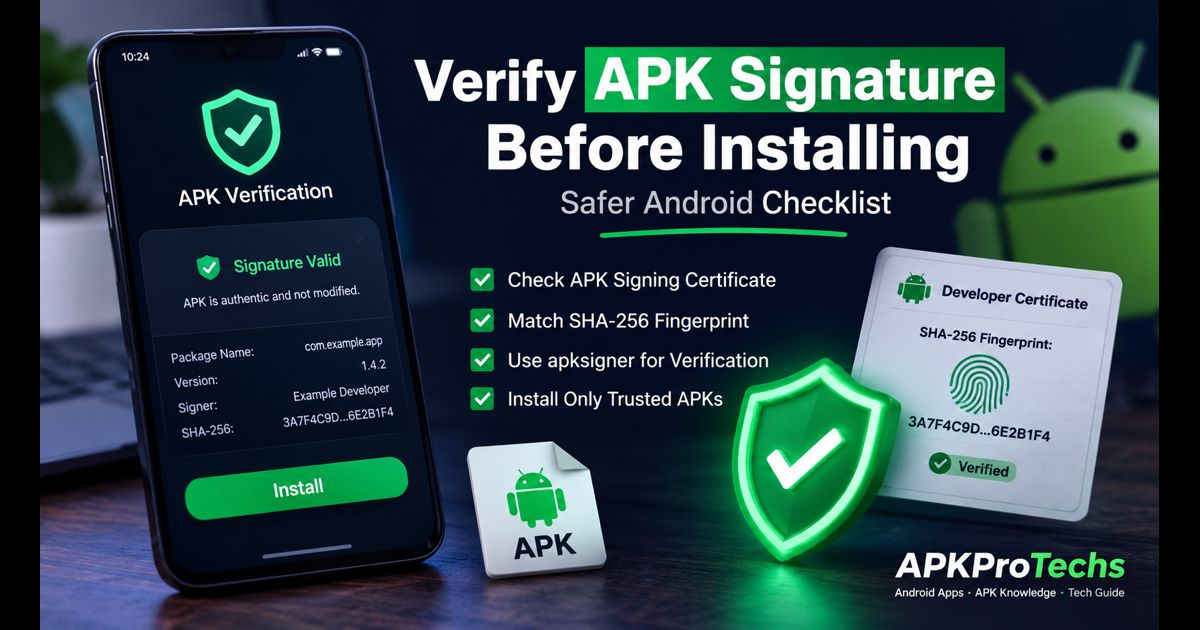
Verify APK Signature Before Installing: A Safer Android Checklist
To verify an APK signature before installing, first confirm that Android can validate the file’s signature, then compare the signing certificate’s SHA-256 fingerprint with a fingerprint published by the app developer through an official channel. A successful signature check proves that the file has not been altered since its signer created it. It does not,…
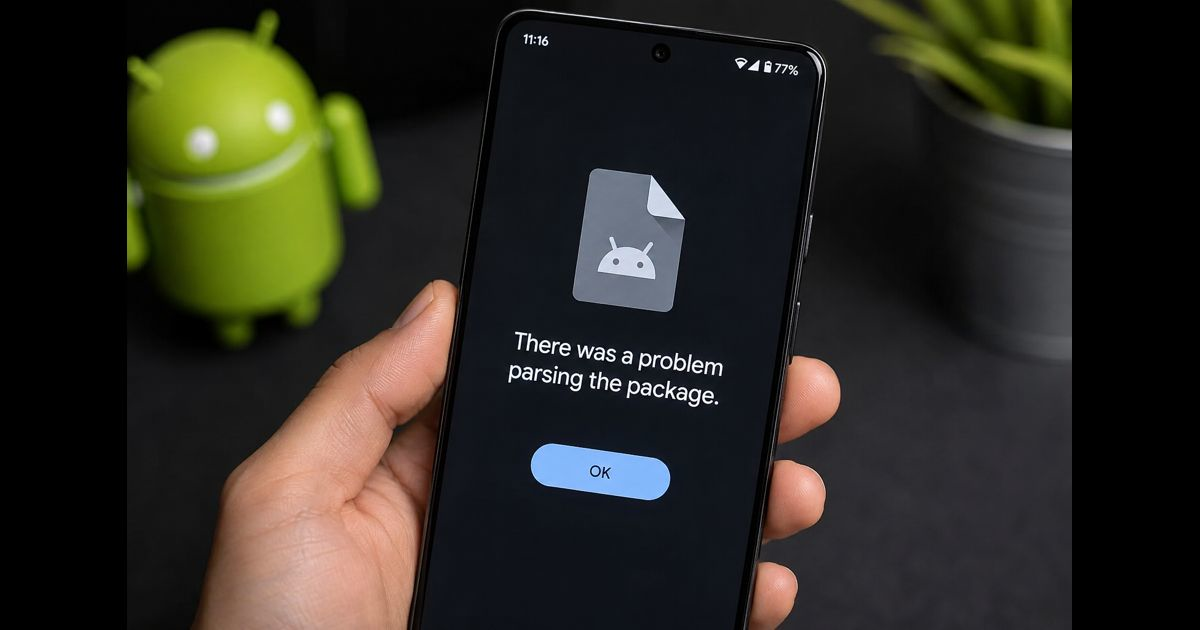
There Was a Problem Parsing the Package: Safe Android Fixes
“There was a problem parsing the package” appears when Android cannot read an app installation file well enough to begin installation. It usually means one of four things: the file is incomplete, the app does not support the phone, the download is not a standalone APK, or Android has not allowed the app that opened…
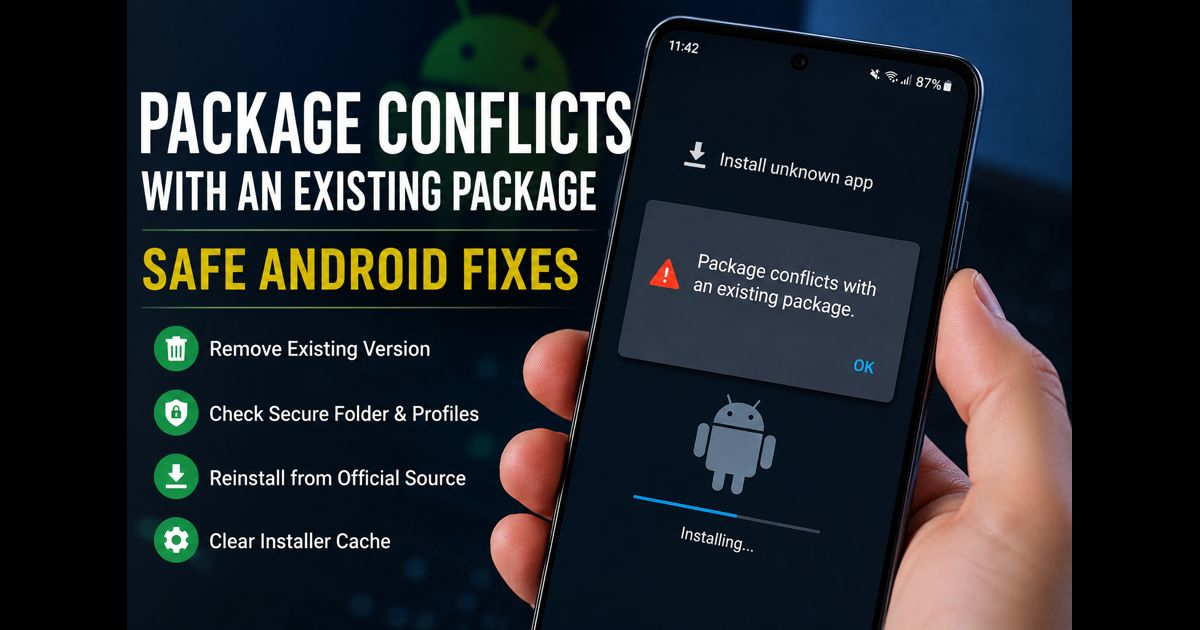
Package Conflicts With an Existing Package: Safe Android Fixes
When Android says “package conflicts with an existing package,” it has detected an app on the device that uses the same Android application ID but cannot be replaced by the file you are trying to install. The usual reason is a signing mismatch. Android will update an installed app only when the incoming APK has the…