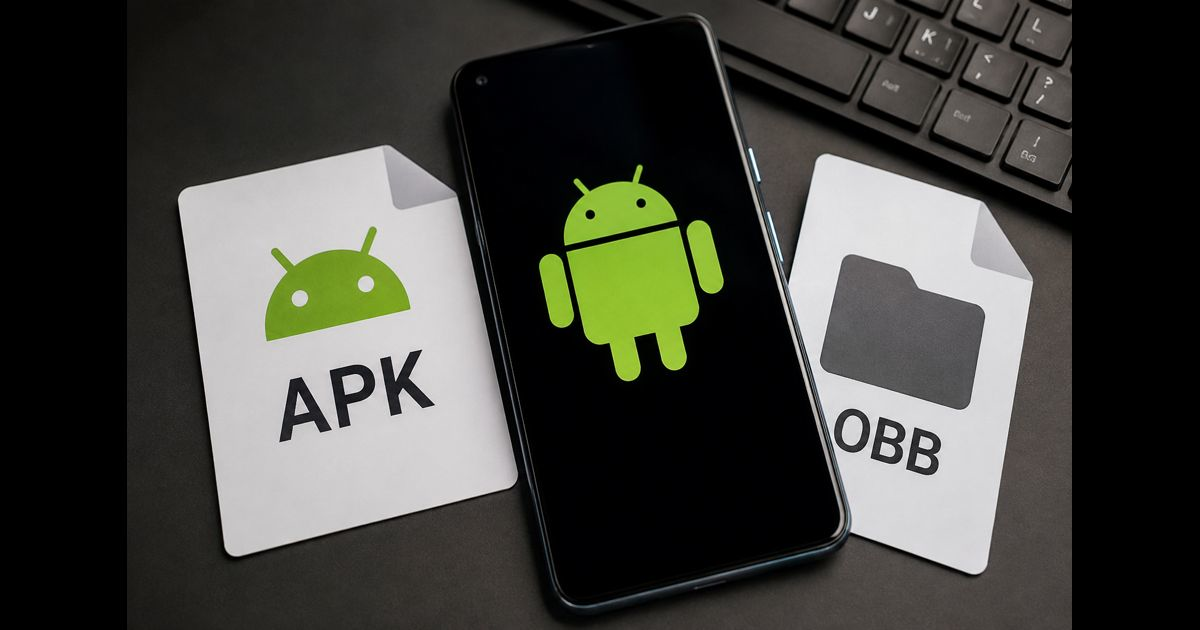
An OBB file is an extra data file used by some Android apps alongside an APK. The APK installs the application; the OBB supplies larger assets, such as graphics, audio, video, or game levels. OBB stands for Opaque Binary Blob. It cannot install or run an app by itself.
If a game needs an OBB, installing its APK alone may leave you with an app that opens but cannot load its content. However, not every APK needs an OBB, and many newer games deliver their assets differently.
APK and OBB: What Each File Does
|
Detail |
APK |
OBB |
|
Main purpose |
Installs the Android application |
Supplies additional application assets |
|
Typical contents |
Executable code, libraries, and essential resources |
Larger graphics, media, and game content |
|
Used on its own? |
Sometimes, depending on the app |
Requires the corresponding app |
|
Opened through |
Android’s installation process |
The app that understands its contents |
For example, a game might keep its startup screen and executable code in the APK, with larger environments and sound files in the OBB. The precise division depends on how the developer builds the game.
Why Some Games Still Use OBB Files
OBB expansion files belong to an older Google Play distribution system. They allowed developers to supply large assets separately from the application package.
They have not disappeared from every older game or developer-distributed build. But Android App Bundles do not support OBB expansion files. Modern Play distribution can use other delivery systems instead, so an absent OBB folder is not automatically evidence of an incomplete installation.
With Play Asset Delivery, a game can receive asset packs during installation, shortly afterward, or when particular content is needed. Those asset packs are not files that users should rename to .obb or move into an OBB folder.
Where OBB Files Belong
Android provides each app with an OBB directory in shared storage, typically:
Android/obb/<package-name>/
The package name identifies the app; it is not necessarily the name shown beneath its icon. A fictional example is:
Android/obb/com.example.racing/
“Shared” or “external” storage does not necessarily mean a removable memory card. Android’s OBB directory can reside on emulated storage within the device.
Understanding an OBB Filename
A Google Play expansion filename follows this pattern:
main.<expansion-version>.<package-name>.obb
An optional second expansion uses patch instead of main.
For example, main.42.com.example.racing.obb identifies the main expansion first associated with version code 42.
Do not rename an OBB just to match a newer APK’s version number. A developer can reuse an earlier expansion in a later release without changing its filename. Use the developer’s specified file pairing. Each legacy expansion file can be up to 2 GB.
Do You Need to Extract an OBB?
Usually, you should leave the actual .obb file intact.
A downloaded ZIP containing an OBB is a separate outer archive. Extract that outer archive if the developer’s instructions require it, but do not assume the OBB itself must be unpacked.
OBB describes how Android treats the file, not one universal compression format. Renaming it to .zip or .apk does not convert it.
Using an APK and OBB Safely
Prefer the developer’s supported installation channel. For a legitimate build distributed as separate files:
- Confirm the release. Obtain the APK and any required OBB files from the developer’s documented source.
- Check available space. Allow room for the download, installed application, assets, and any temporary extraction.
- Follow the developer’s installation instructions. Do not combine files from unrelated releases or editions.
- Keep security checks enabled. Stop if completing the installation supposedly requires disabling protections or installing an unrelated “unlocker.”
- Test the app before removing downloaded backups. Confirm that the content you need actually loads.
Treat the files as a matched set. Unity’s legacy OBB documentation, for example, warns that a build missing its expansion may expose only its first scene. An icon on the home screen is therefore not proof that installation is complete.
Why Android May Block Access to the OBB Folder
Android 11 introduced restrictions that prevent apps targeting Android 11 or later from using the standard system document picker to select files inside Android/obb.
A guide promising that any file manager can always paste files there is unreliable. Available access depends on the Android version, device implementation, and software involved.
An access-denied message does not establish that the OBB is corrupt. Use the app’s supported downloader or the developer’s documented installation method. Do not root a phone simply to follow a generic copy-and-paste tutorial.
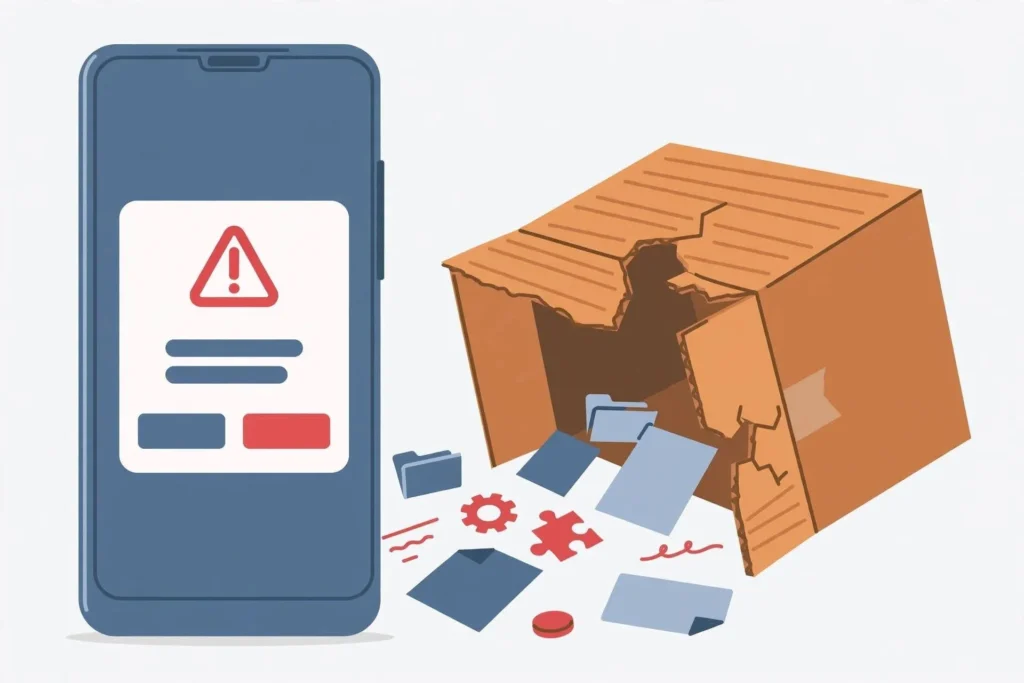
When the APK Installs but the Game Does Not Work
Use the symptom to decide what to investigate:
|
Symptom |
First thing to check |
|
The menu opens, but levels do not load |
Whether the required assets were delivered |
|
The game exits immediately |
Whether its documented APK and OBB pairing is complete |
|
Copying into the OBB folder is denied |
Storage restrictions and the supported installation route |
|
Only an outer ZIP appears in Downloads |
Whether its supplied installation instructions require extraction |
|
The app installs but cannot connect |
Network or service availability; an OBB cannot restore a discontinued server |
These are starting points, not diagnoses. Missing assets can explain some failures, but a crash alone does not prove that an OBB is missing. Canonical documents missing-expansion failures, including immediate exits, in its Android hosting environment.
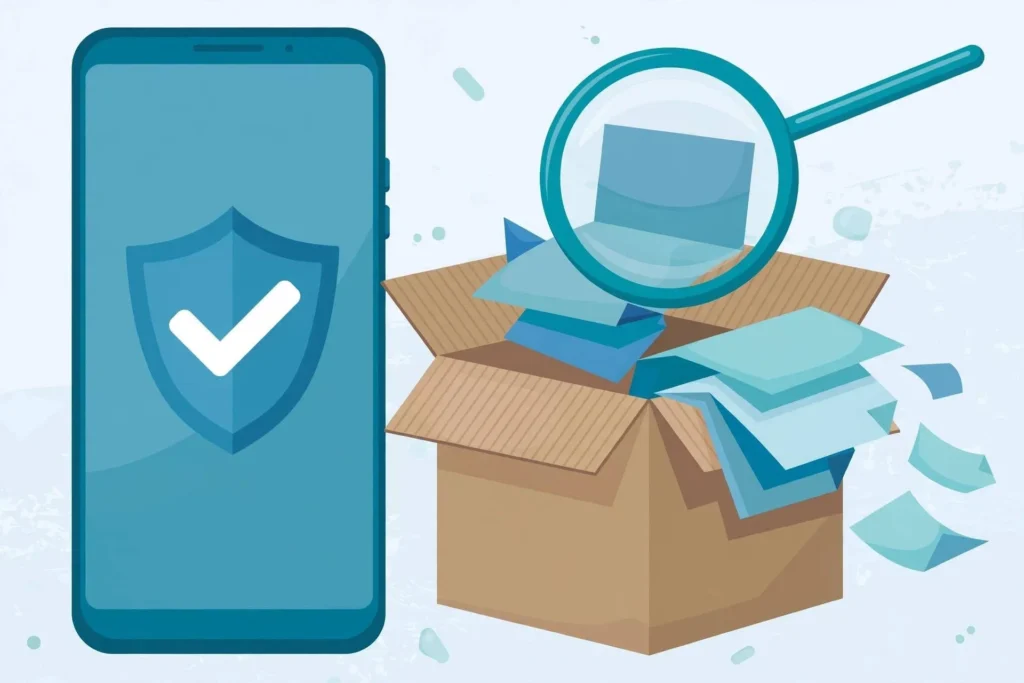
Are OBB Files Safe?
The extension alone does not establish safety. Google describes legacy OBBs as unsigned files stored outside the APK’s protected package structure.
Verifying an APK’s signature does not authenticate a separately downloaded OBB. Android’s apksigner checks the APK supplied to it; it does not automatically validate accompanying expansion data. Obtain both components from a source you can verify.
Can You Delete an OBB After Installation?
Keep an OBB that the installed game still needs. It is not automatically disposable cache, and removing it may trigger another download or leave the game unable to load.
A spare copy in Downloads is different from the working file in the app’s OBB directory. Before deleting either, confirm which copy the installation uses.
If you no longer want the game, use Android’s uninstall controls. Android documents that an app’s system-provided OBB files are removed when it is uninstalled.
Frequently Asked Questions
Can an OBB replace an APK?
No. It supplies data for the application rather than installing the application itself.
Does having the OBB make a game work offline?
Not necessarily. Local assets do not remove a game’s need for account sign-in, license checks, multiplayer services, or other online features.
Does an empty OBB folder mean something is wrong?
No. The app may not use OBB expansion files. Check its installation requirements before downloading extra files.




Leave a Reply