Author: Paul
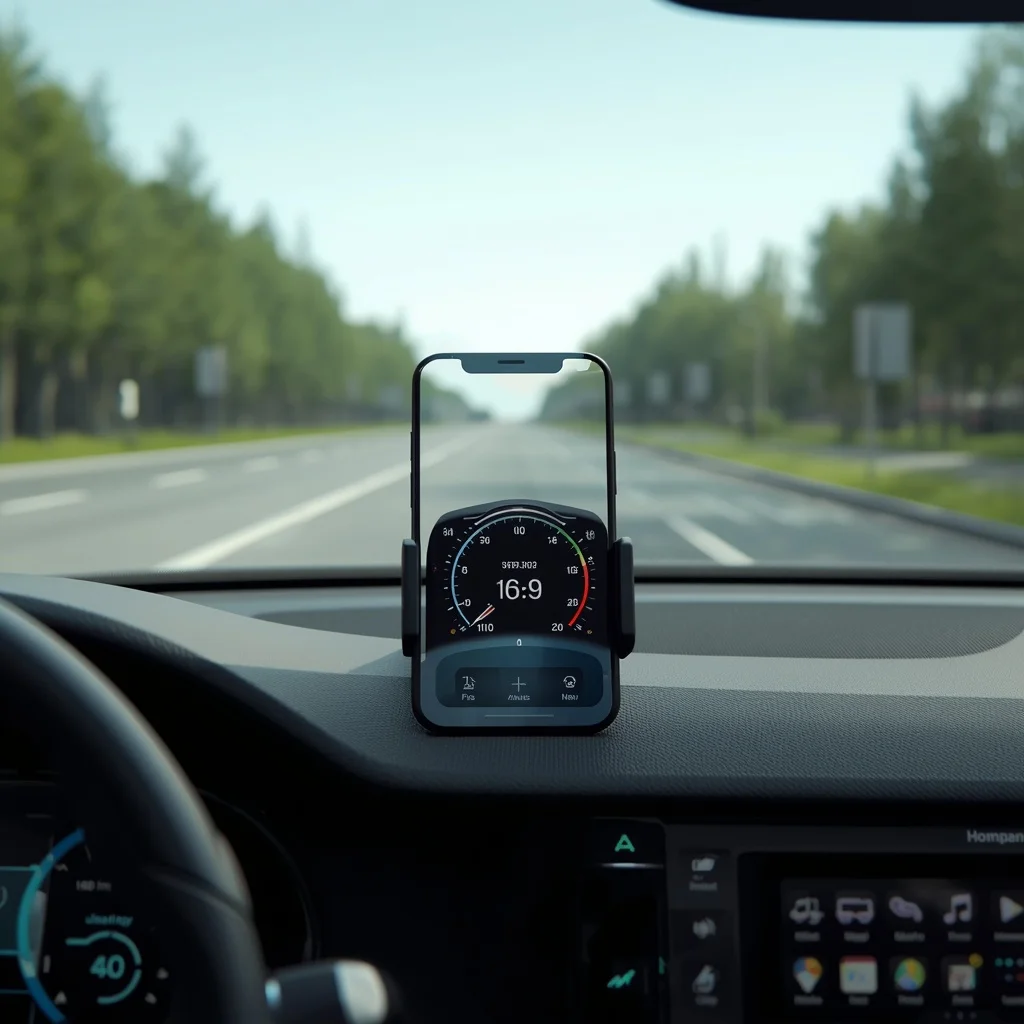
Best Speedometer Apps for iPhone and Android
A smartphone can do much more than make calls, browse the web, or run social media apps. With GPS and motion sensors, it can also work as a digital speedometer while you are driving, cycling, running, or traveling. A speedometer app uses your phone’s location data to estimate how fast you are moving and displays…
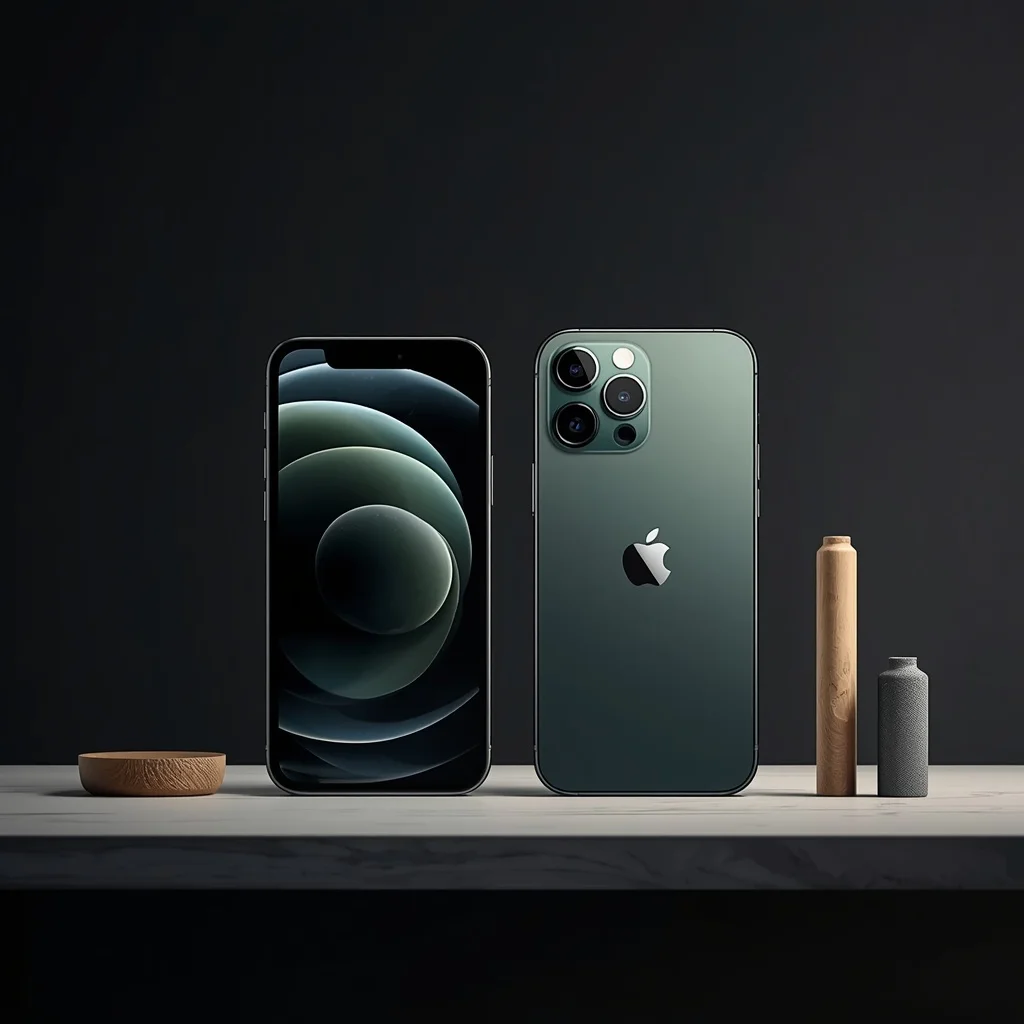
iPhone 18 Pro and Pro Max Price Guide: What to Know
The iPhone Pro lineup is designed for users who want Apple’s higher-end smartphone hardware, advanced cameras, premium displays, and additional performance features. The iPhone 18 Pro and iPhone 18 Pro Max sit at the premium end of Apple’s iPhone range, making price an important part of the buying decision. However, the price shown in an…
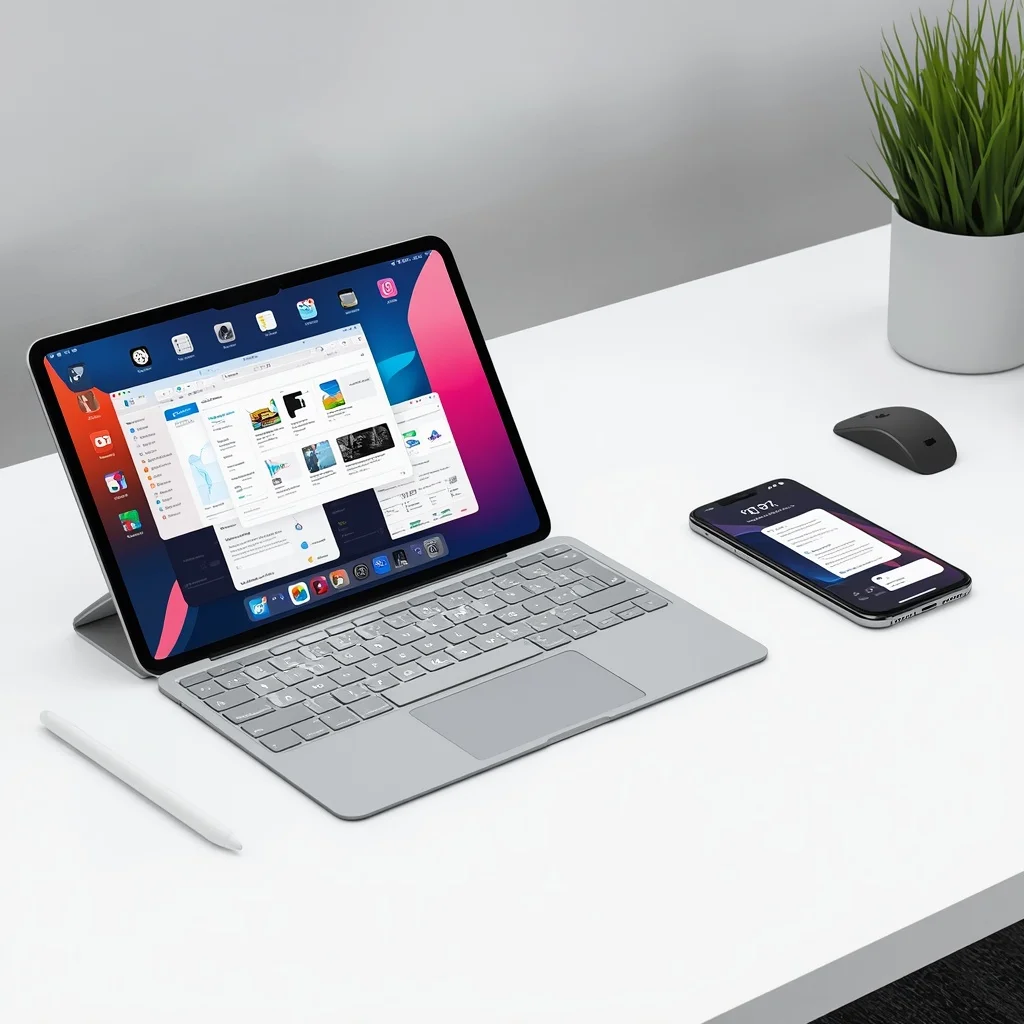
iPadOS 26 vs iOS 26 and iOS 18: Key Differences Explained
Apple’s operating systems have become more closely connected over the years, but iPhone and iPad still provide different experiences. With iPadOS 26 and iOS 26, Apple introduced a refreshed design and several new capabilities while continuing to build separate features around the different screen sizes and ways people use each device. If you are comparing…
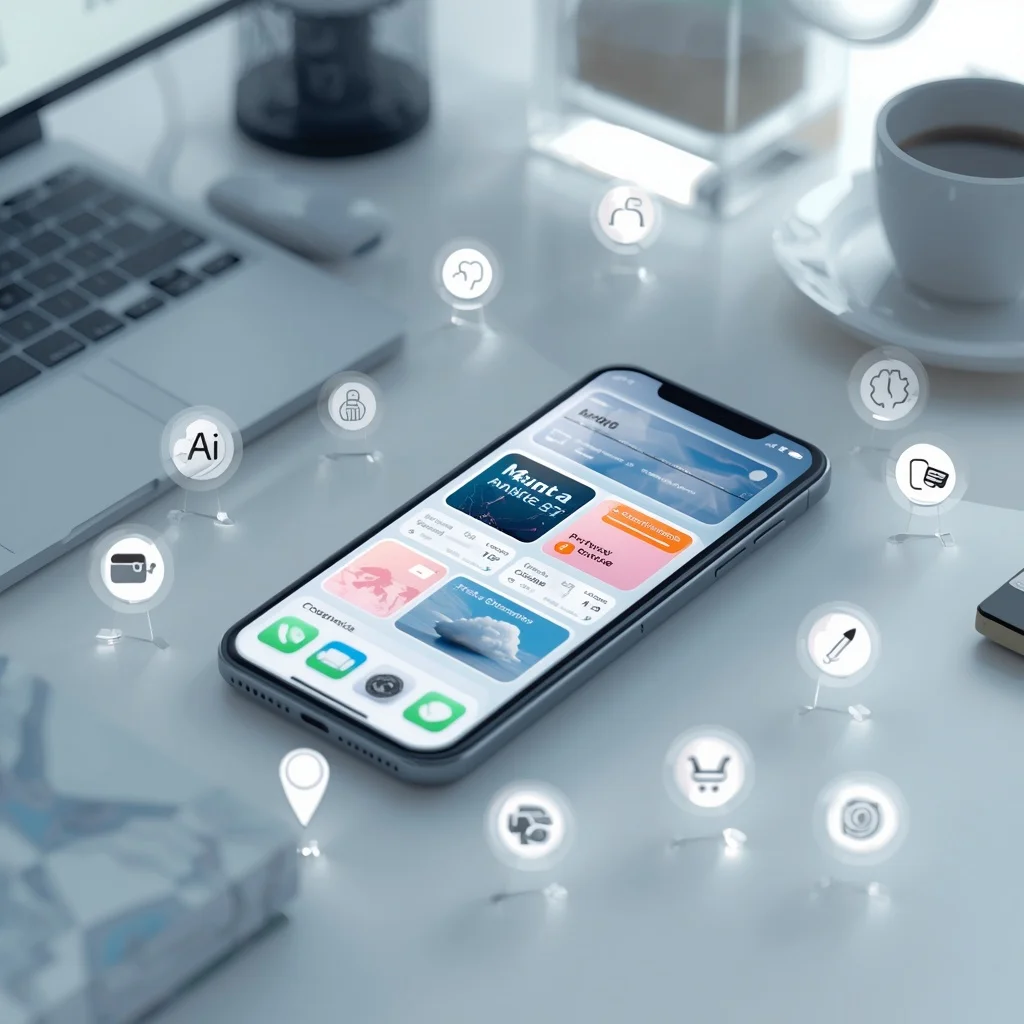
iOS 26 Features and Best Apps
iOS 26 brings a new generation of features to the iPhone, combining a redesigned interface with improvements to communication, personalization, intelligence, privacy, and everyday productivity. For many users, the most interesting part of a major iOS release is not simply the visual redesign. The real value comes from how new system features work with the…
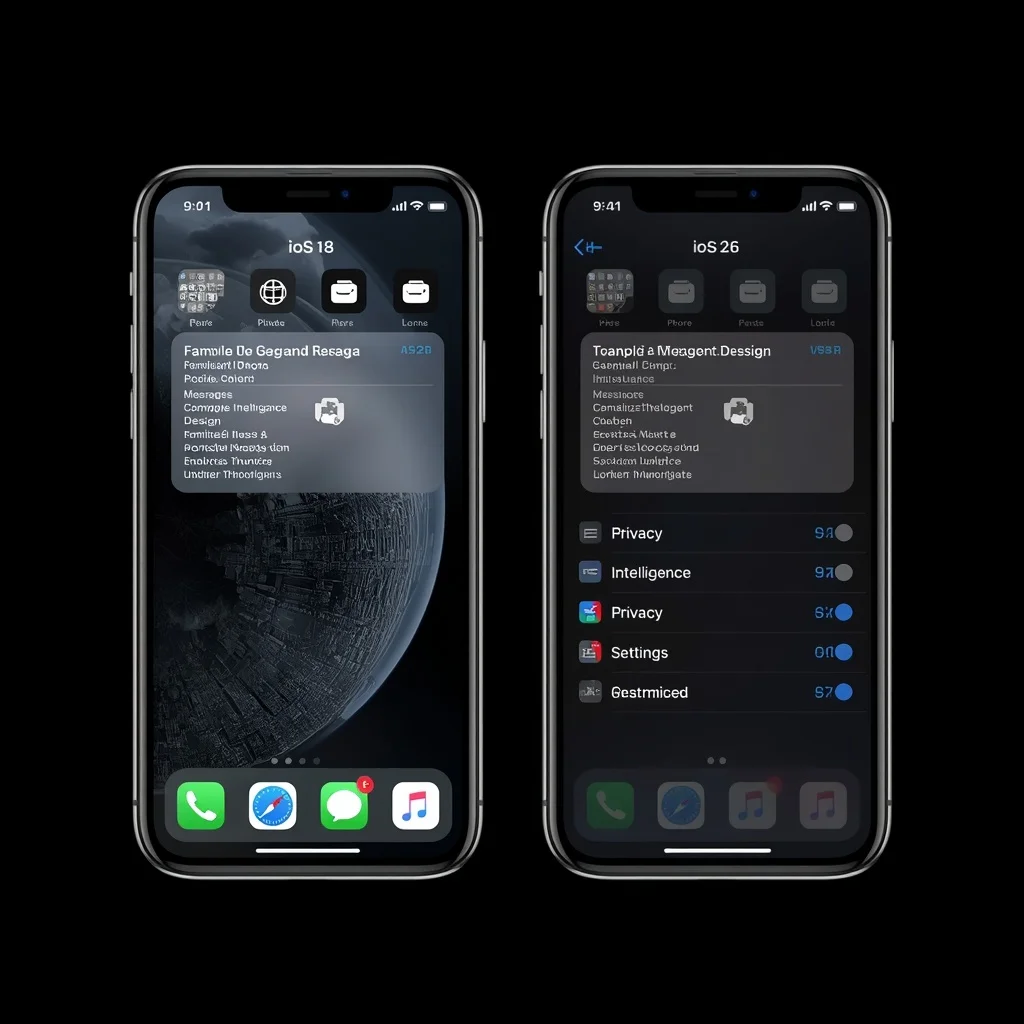
iOS 18 vs iOS 26: What’s the Difference?
Apple’s iOS has continued to evolve with major changes to the iPhone experience. iOS 18 introduced a number of customization and messaging improvements, while iOS 26 represents a much newer generation of Apple’s mobile software with a redesigned visual experience and additional system features. For iPhone users deciding whether to move from iOS 18 to…
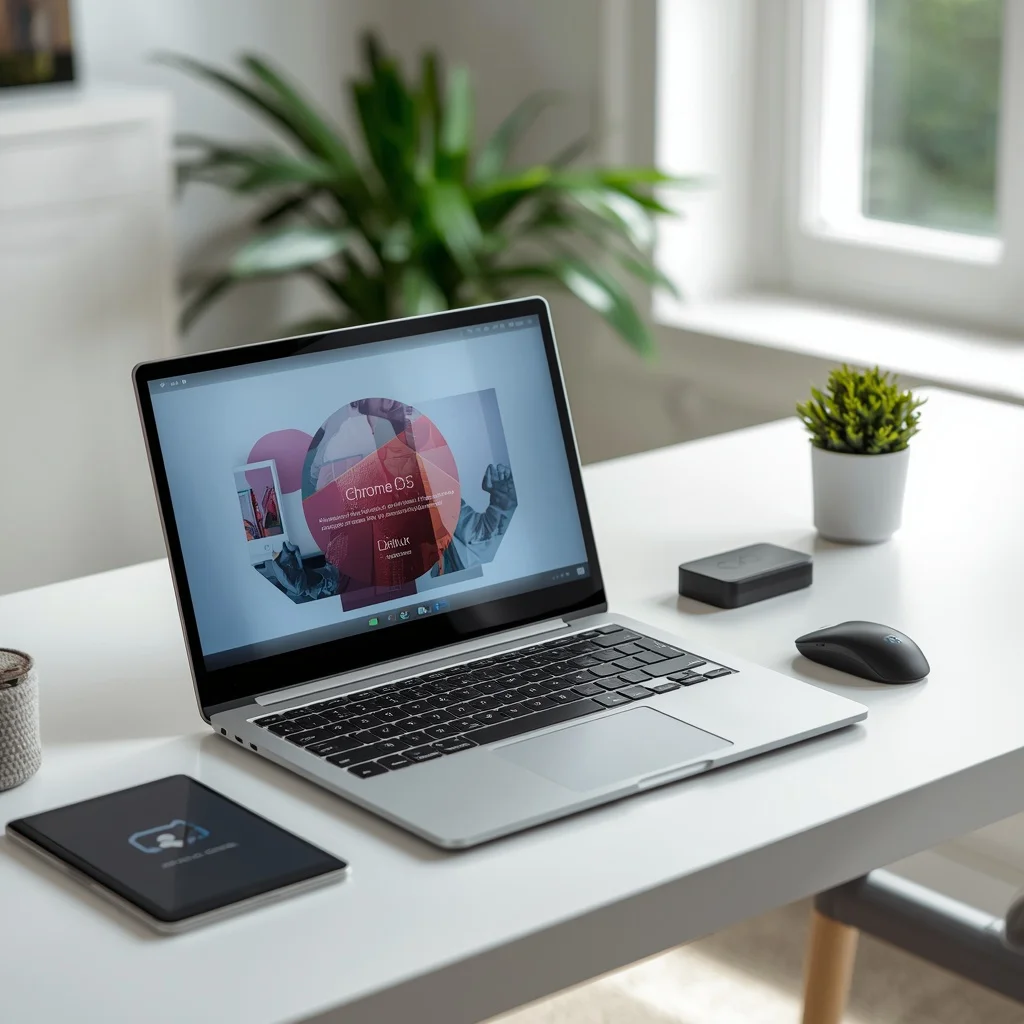
Chromebook Buying Guide: Best Chromebooks in 2026
Chromebooks have become a practical option for people who primarily work online, use web applications, attend classes, browse the internet, stream content, and manage everyday tasks through Google’s ecosystem. Instead of using a traditional desktop operating system such as Windows, Chromebooks run ChromeOS, a lightweight operating system designed around the web and modern cloud-based workflows.…
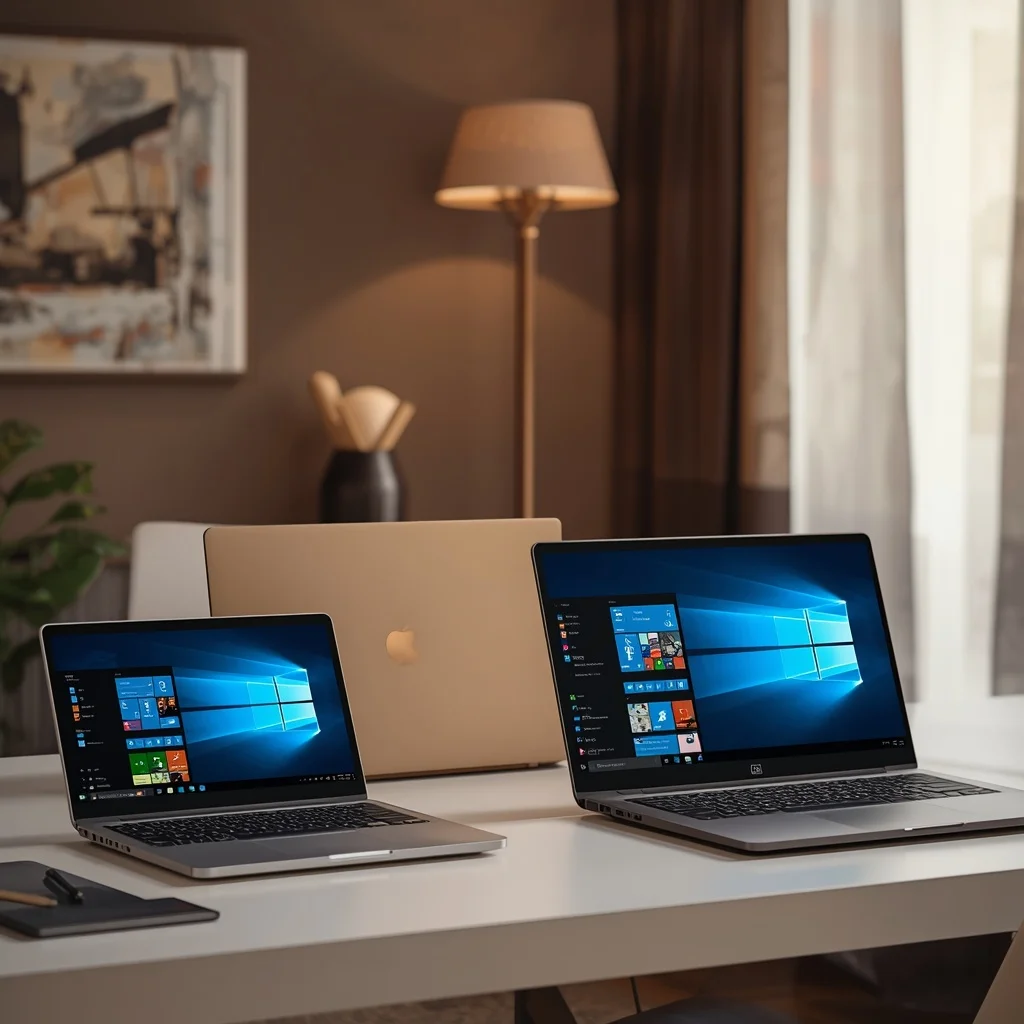
Best Home Laptops for 2025 and Earlier Models
Choosing a laptop for home use does not always mean buying the newest model available. A laptop released in 2025 or an earlier generation can still be a practical choice when it offers the right combination of performance, storage, battery life, display quality, and price. Older laptop models can also become attractive when retailers discount…
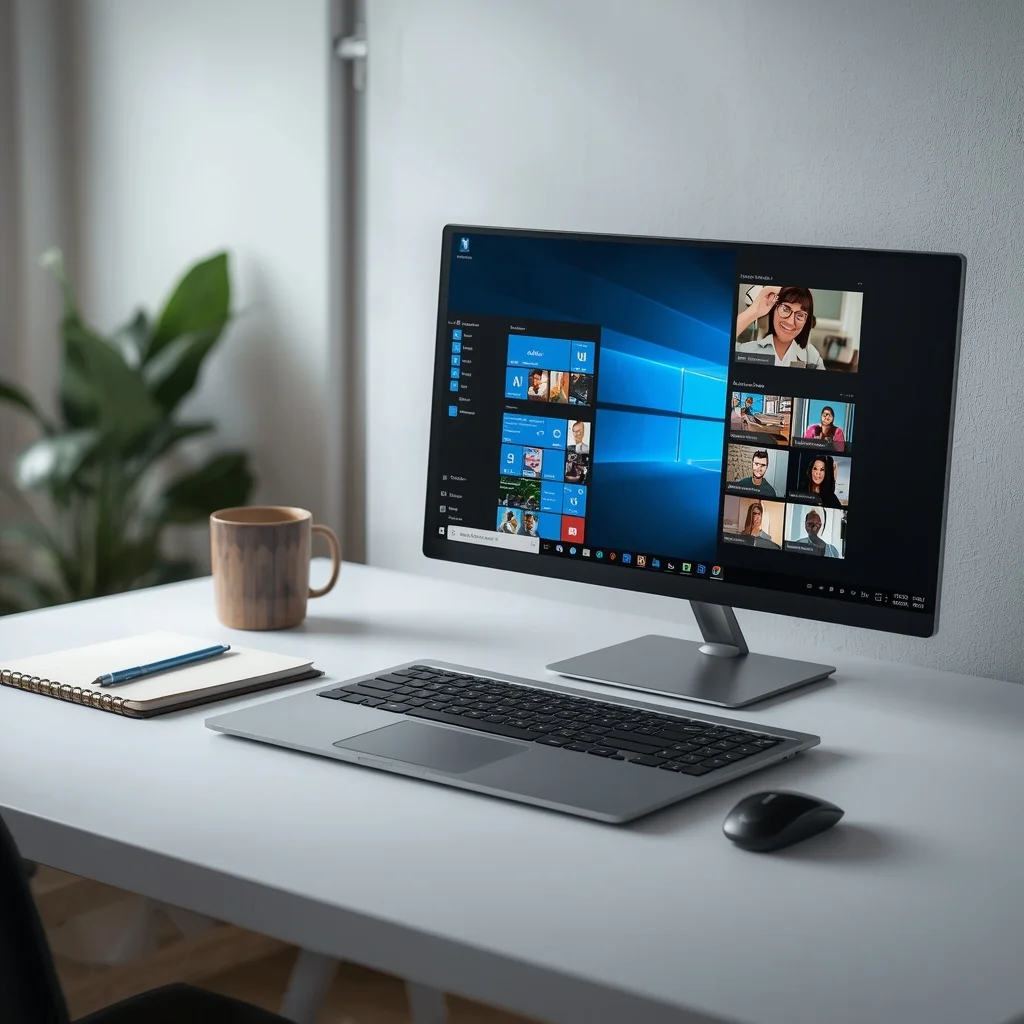
Best Windows Laptops for Home and Personal Use
A Windows laptop can handle a wide range of everyday tasks, from browsing the web and watching movies to working from home, studying, managing files, attending online meetings, and running professional software. The challenge is choosing a model with the right combination of performance, battery life, display quality, storage, and price. The best Windows laptop…
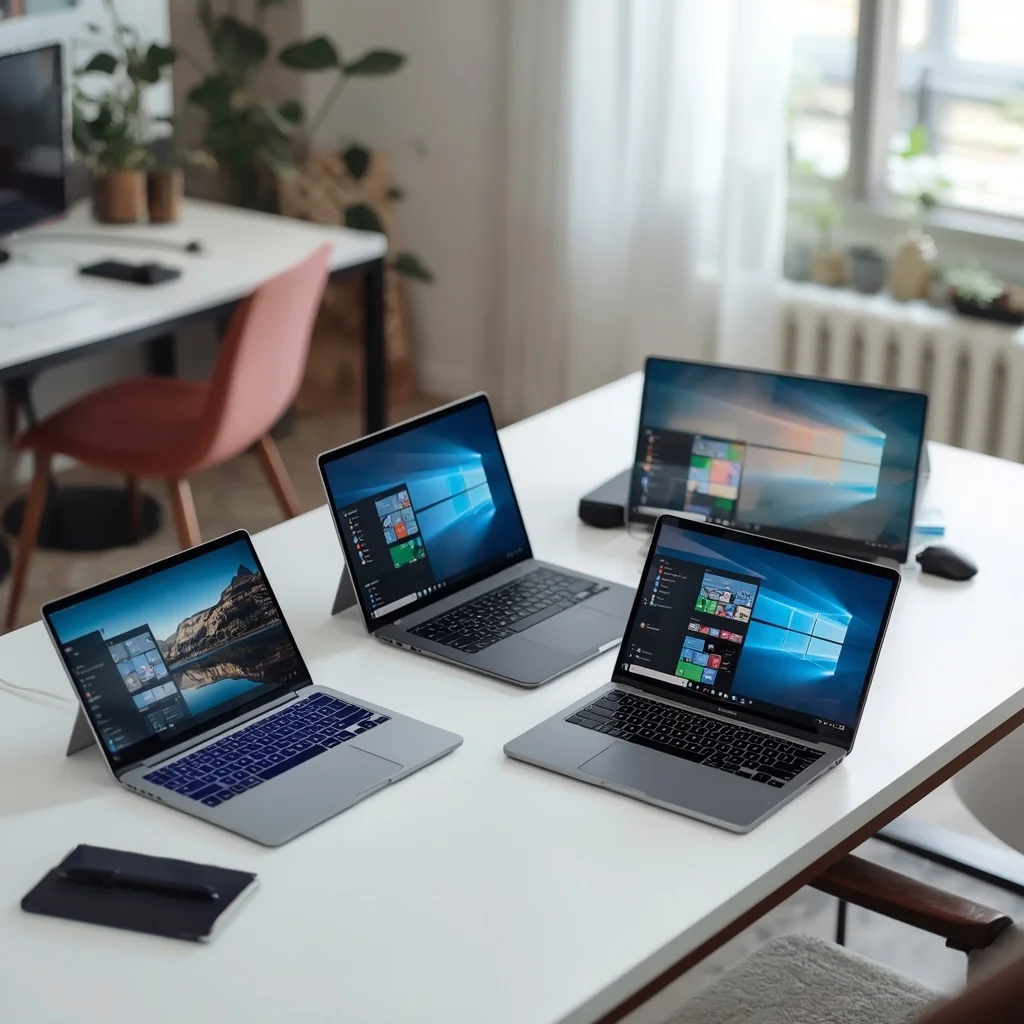
Best Laptops for Home Use in 2026
Choosing the best laptops for home use in 2026 is not simply about buying the most expensive computer you can find. A good home laptop should match the way you actually use it. For one person, that may mean browsing the web, watching videos, checking email, and managing documents. For another, it could mean studying,…
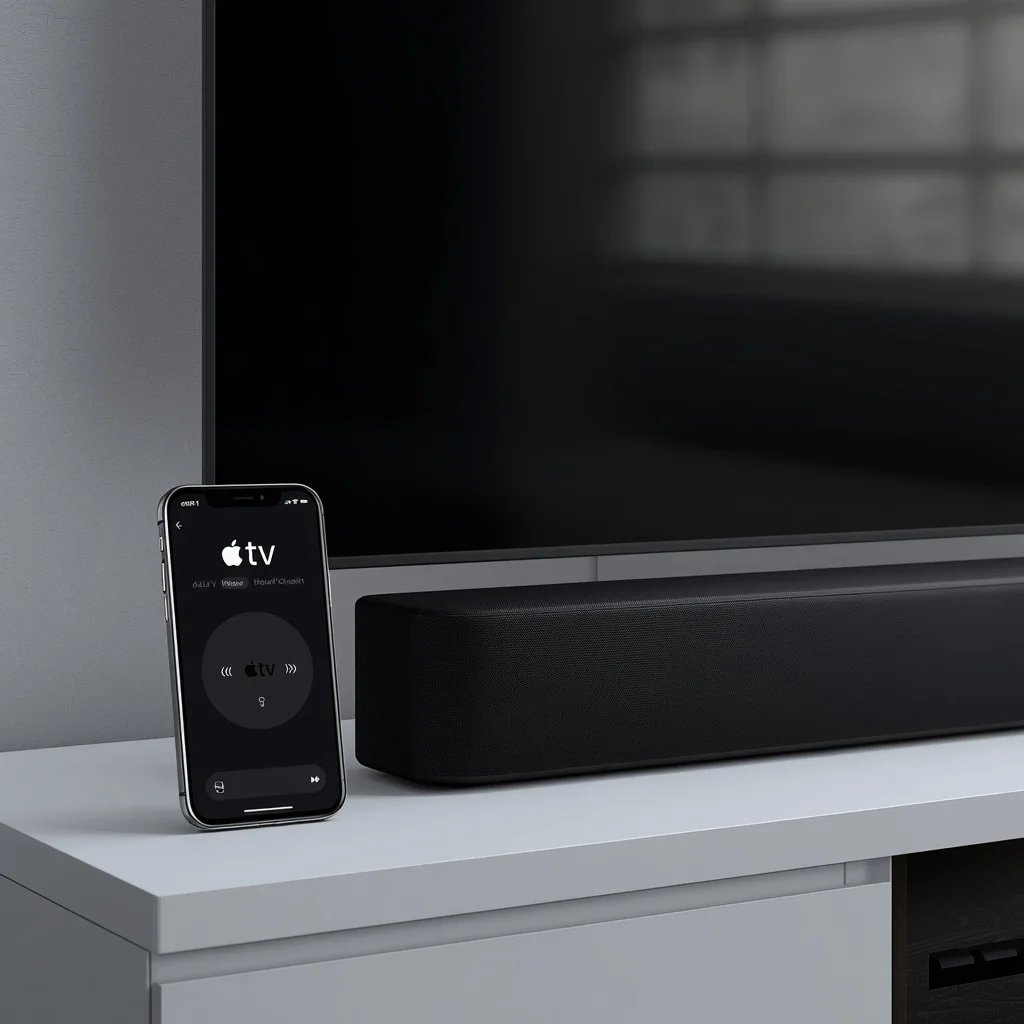
Apple TV Remote App and Volume Control Troubleshooting
Using an iPhone as an Apple TV remote can be convenient, especially when the physical remote is missing, out of battery, or difficult to use. However, problems can appear when the Apple TV Remote on iPhone cannot connect, the volume buttons do nothing, or the TV and sound system do not respond correctly. The good…